🚀Getting Started

Registration, workspace, team, plans and initial setup.
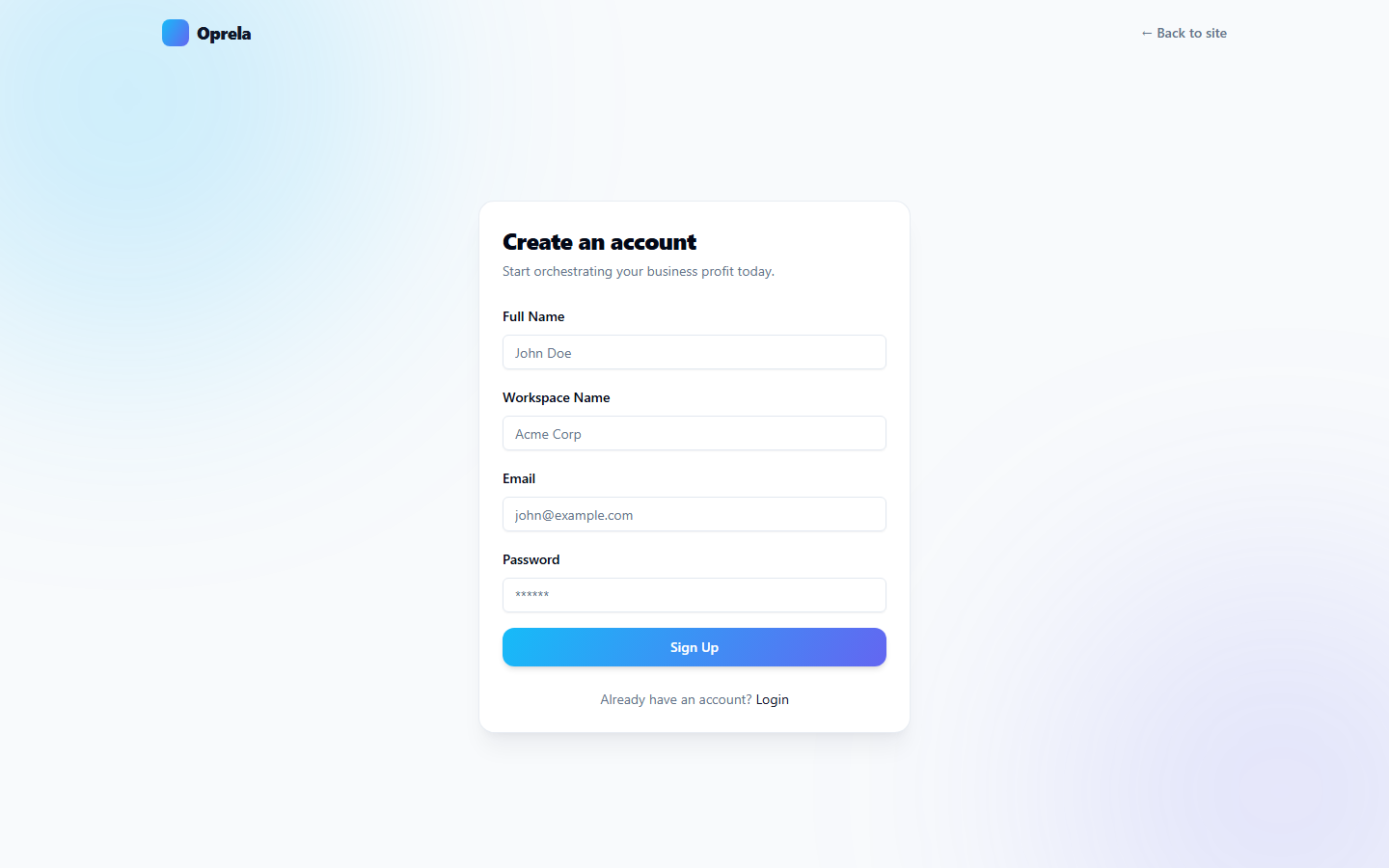
Account Registration and Login

How to create an Oprela account, log in, and recover your password.

1 min read · 8/2/2026

AI Credits: How they are calculated and spent

All Oprela AI functions run on credits. Learn where they come from, what they are spent on, and how to top them up.

1 min read · 8/2/2026

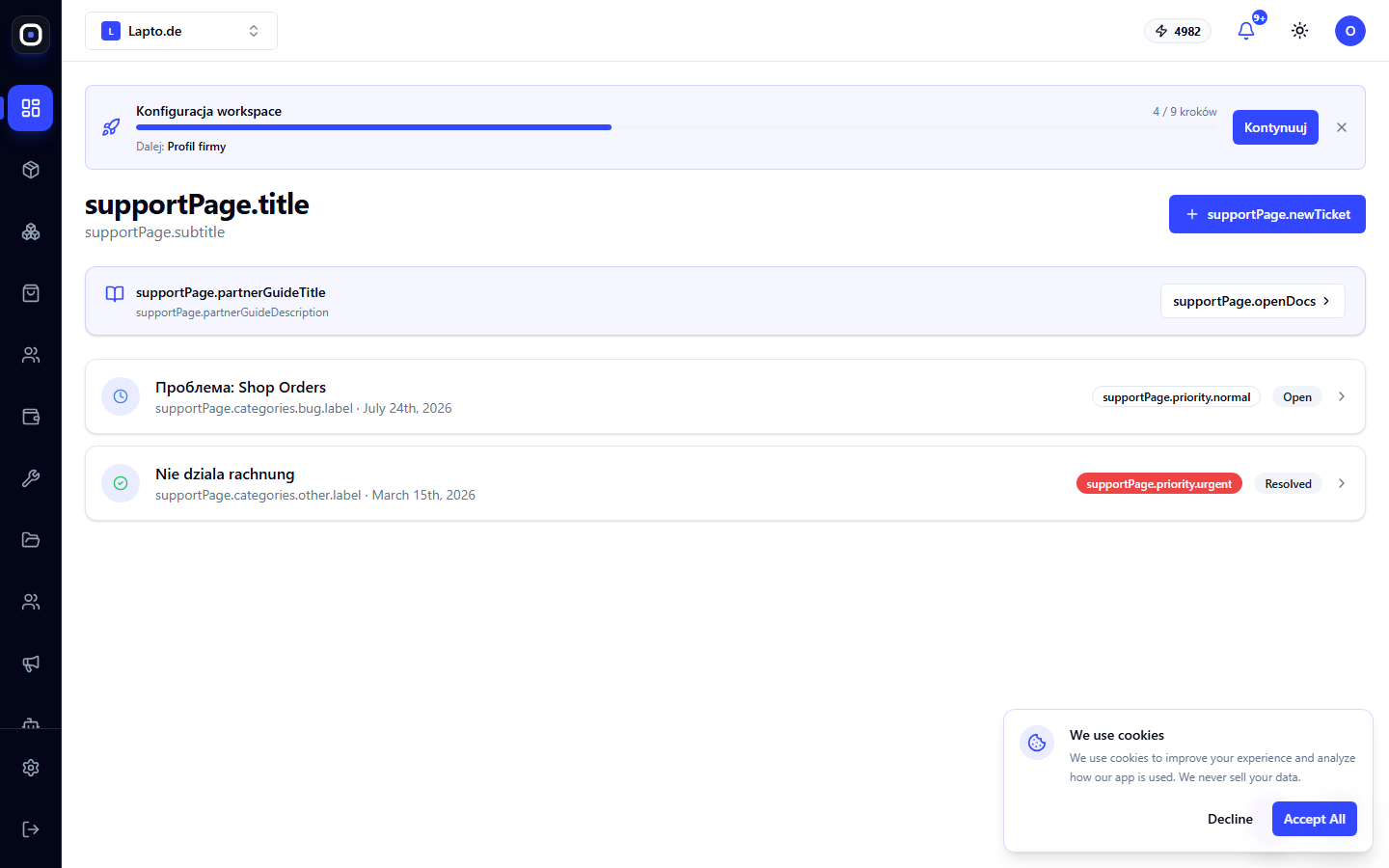
Support Tickets

Creating a ticket with a category and attachment, corresponding with the support team.

1 min read · 8/2/2026

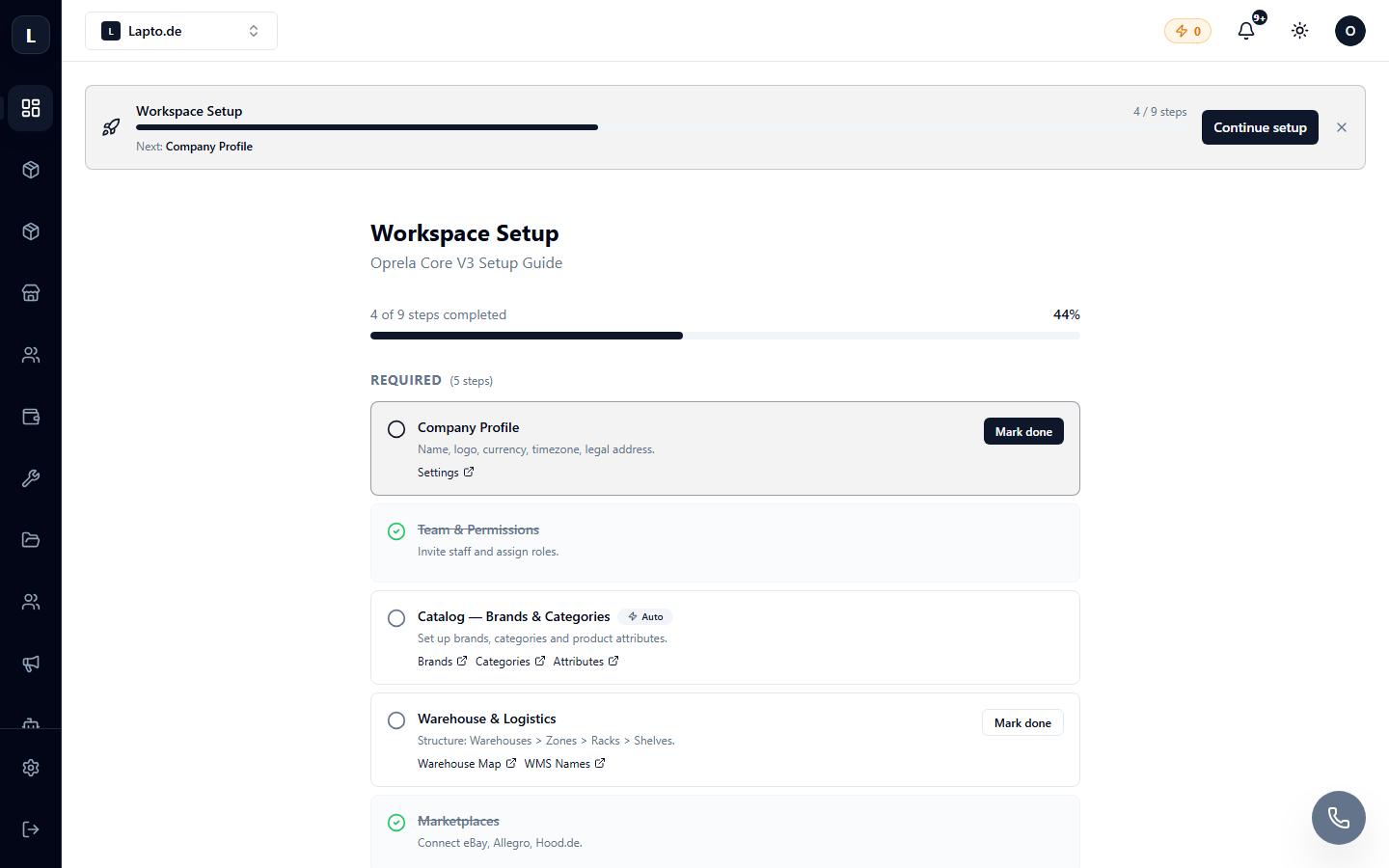
Setup Guide: Step-by-step business launch

An interactive checklist that guides the owner through all setup steps — from the first product to payments.

1 min read · 8/2/2026

Tariff plans, limits, and payment

How Oprela's tariffs are structured, where to view your plan, limits, and payment history.

1 min read · 8/2/2026

Creating a Workspace and Getting Started

A workspace is your company's space in Oprela. Learn how to create and configure it for your business type.

1 min read · 8/2/2026

Кілька воркспейсів і перемикання між ними

Один акаунт — кілька бізнесів: як створити додатковий воркспейс і швидко перемикатися.

1 min read · 8/2/2026

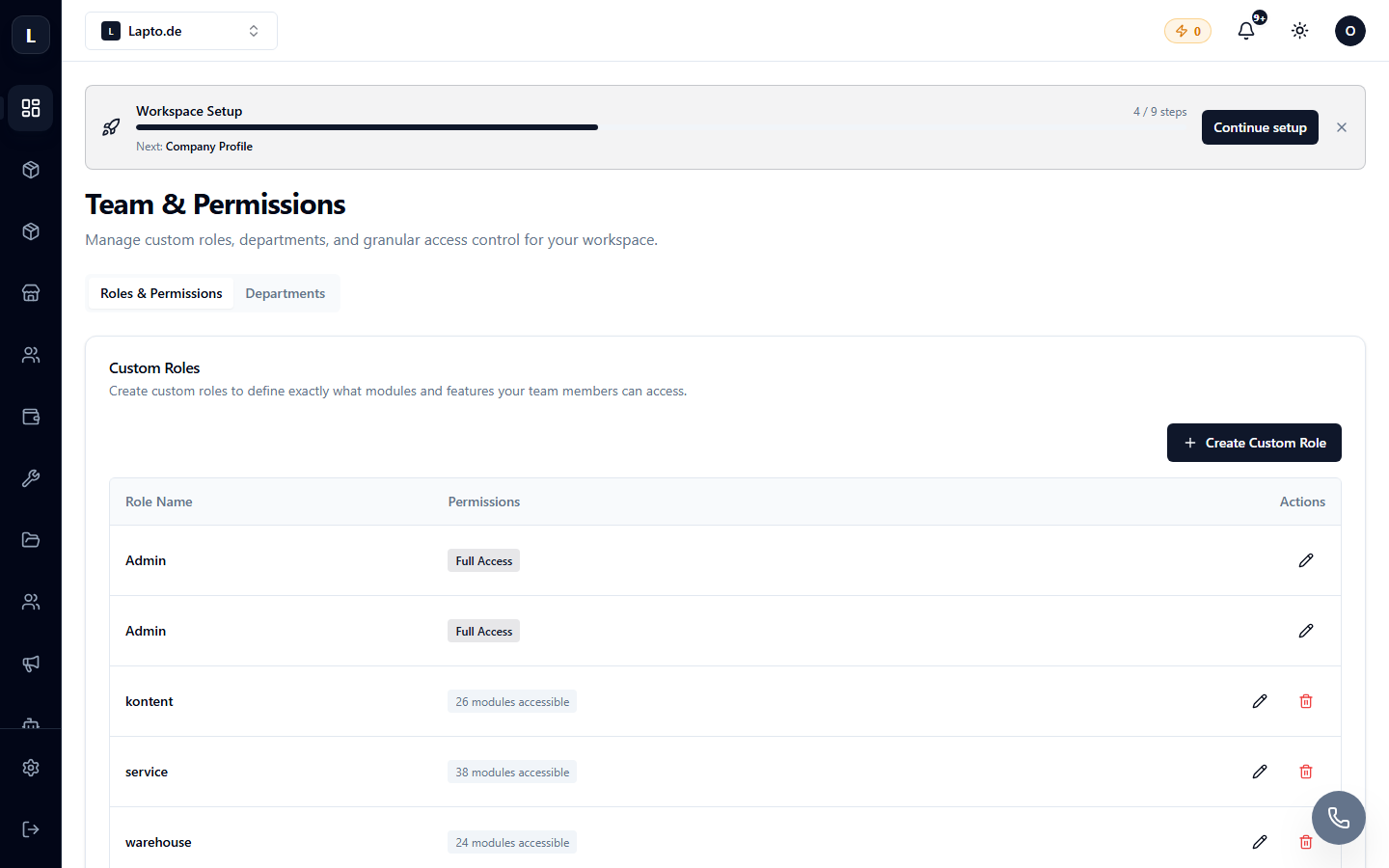
Inviting Employees and Access Roles

How to add employees to a workspace, available roles, and their permissions.

1 min read · 8/2/2026

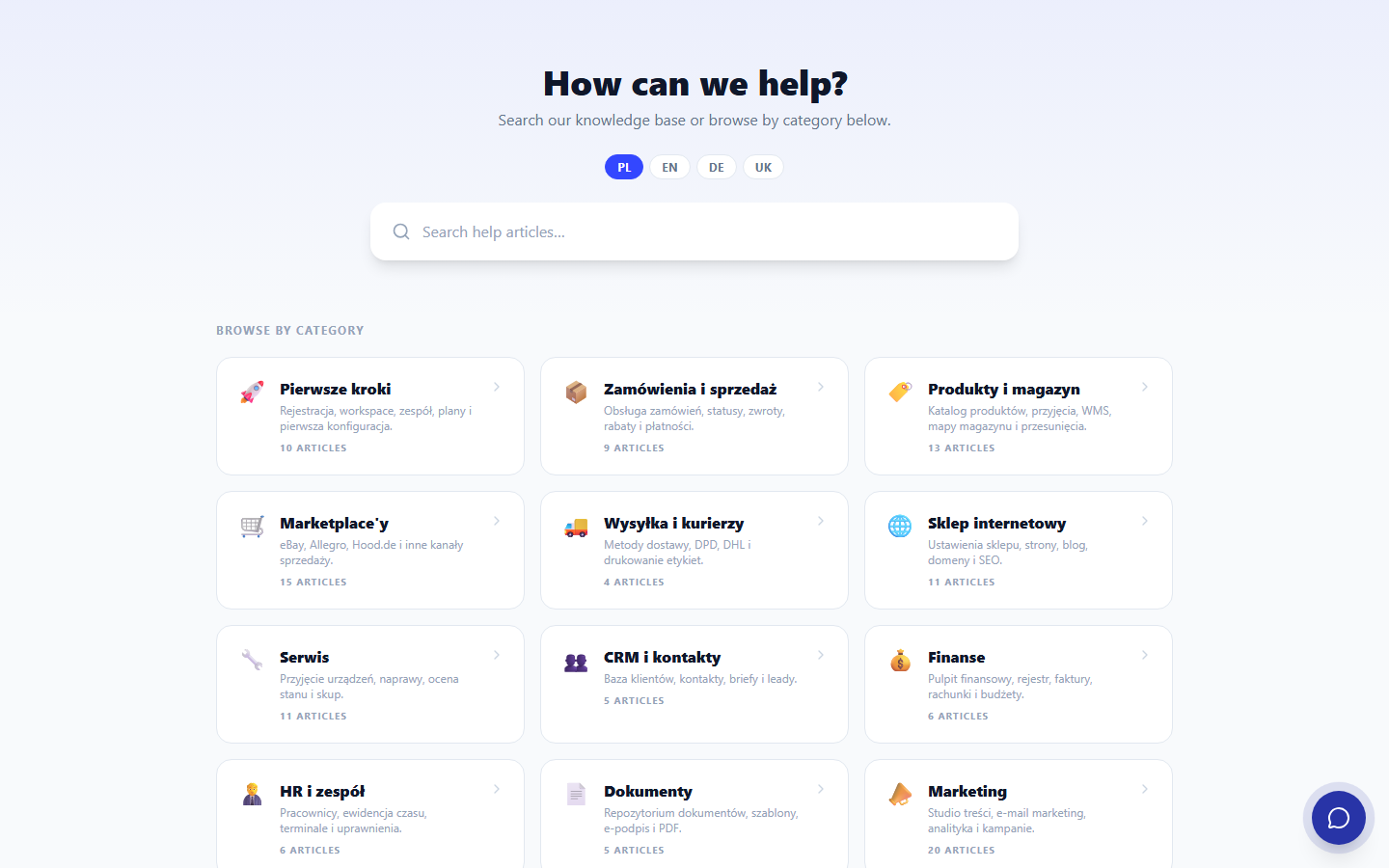
AI Search in the Help Center

On oprela.com/help, in addition to regular keyword search, you can ask questions to an AI assistant — it will answer based on knowledge base articles.

1 min read · 8/2/2026

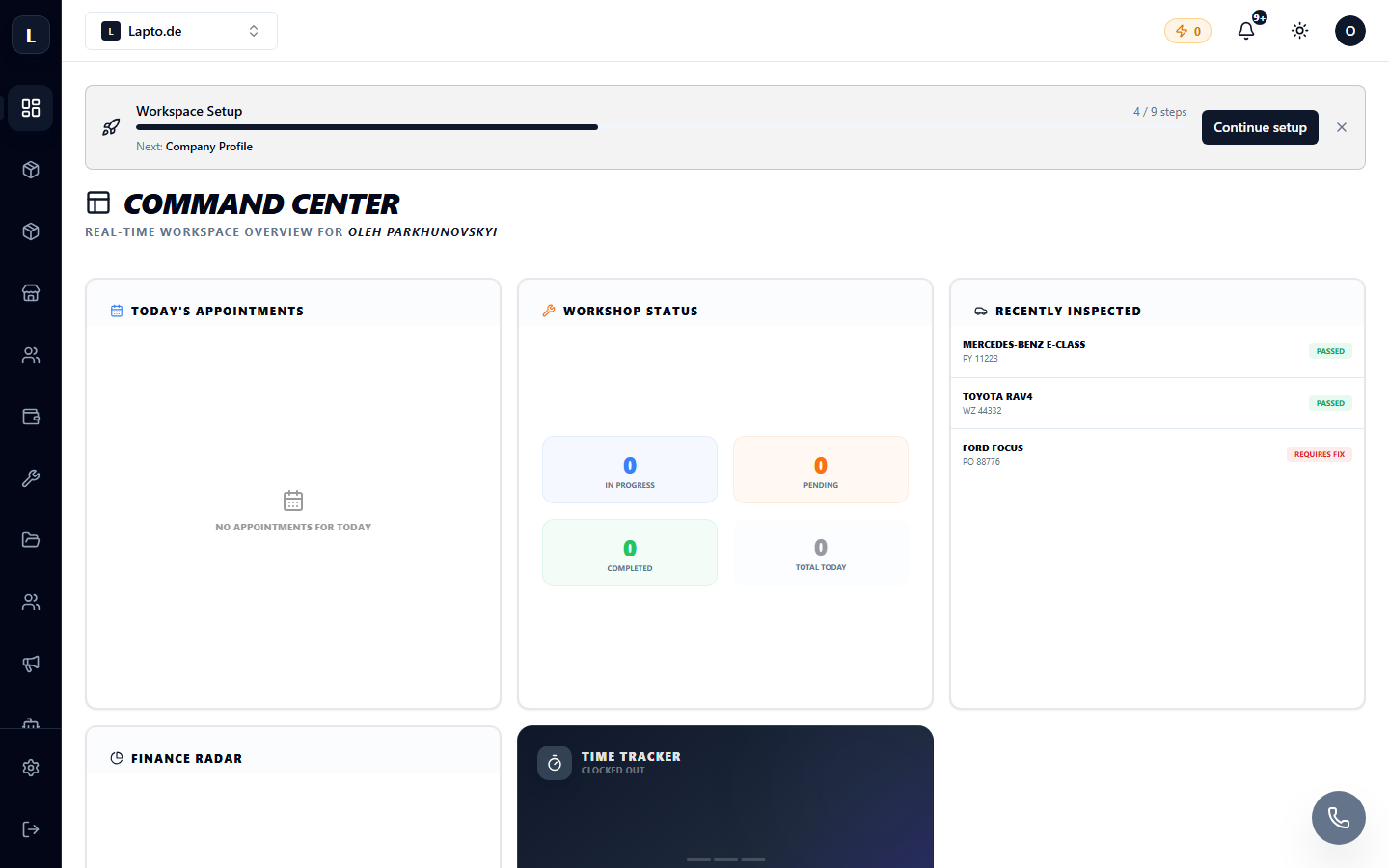
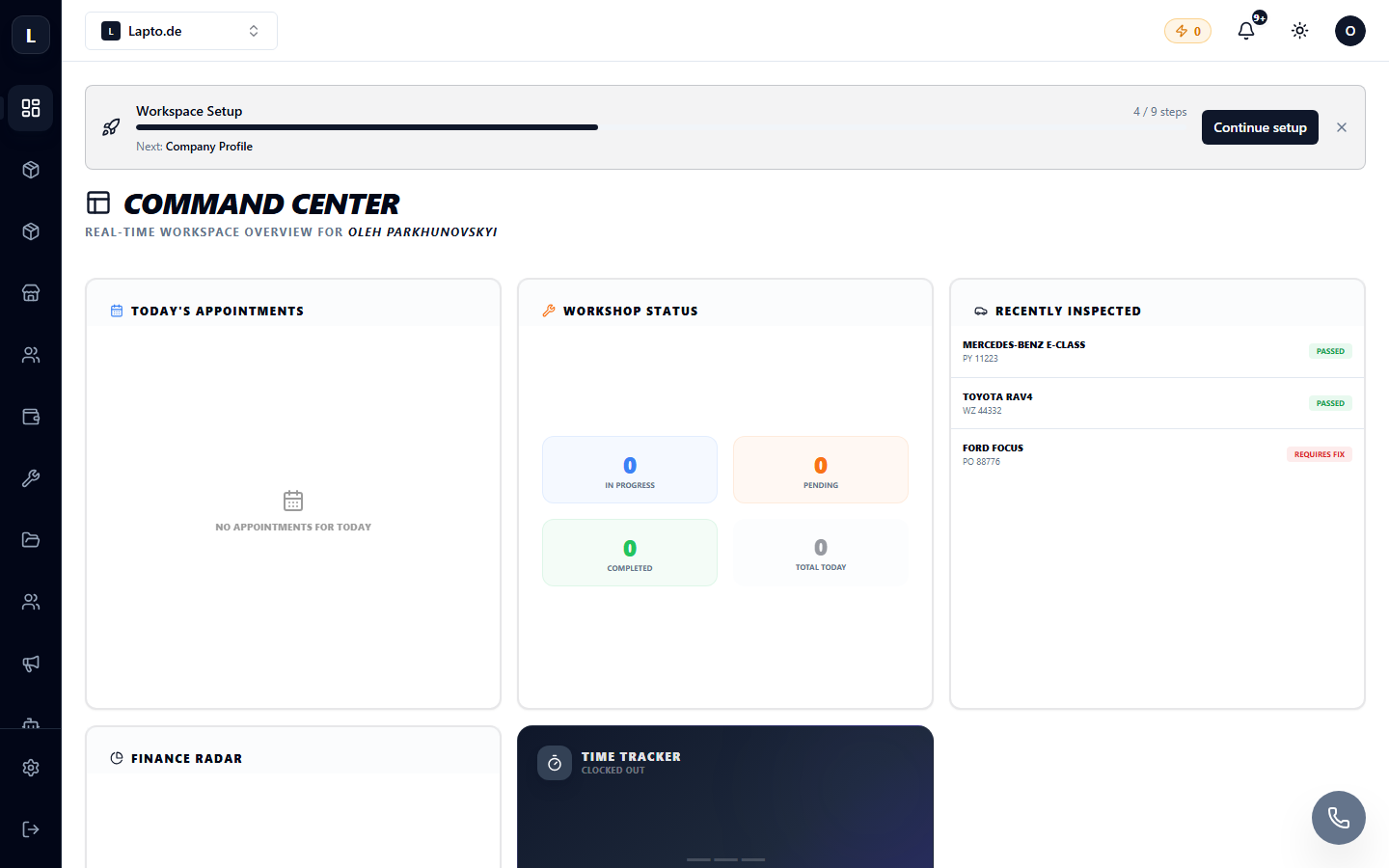
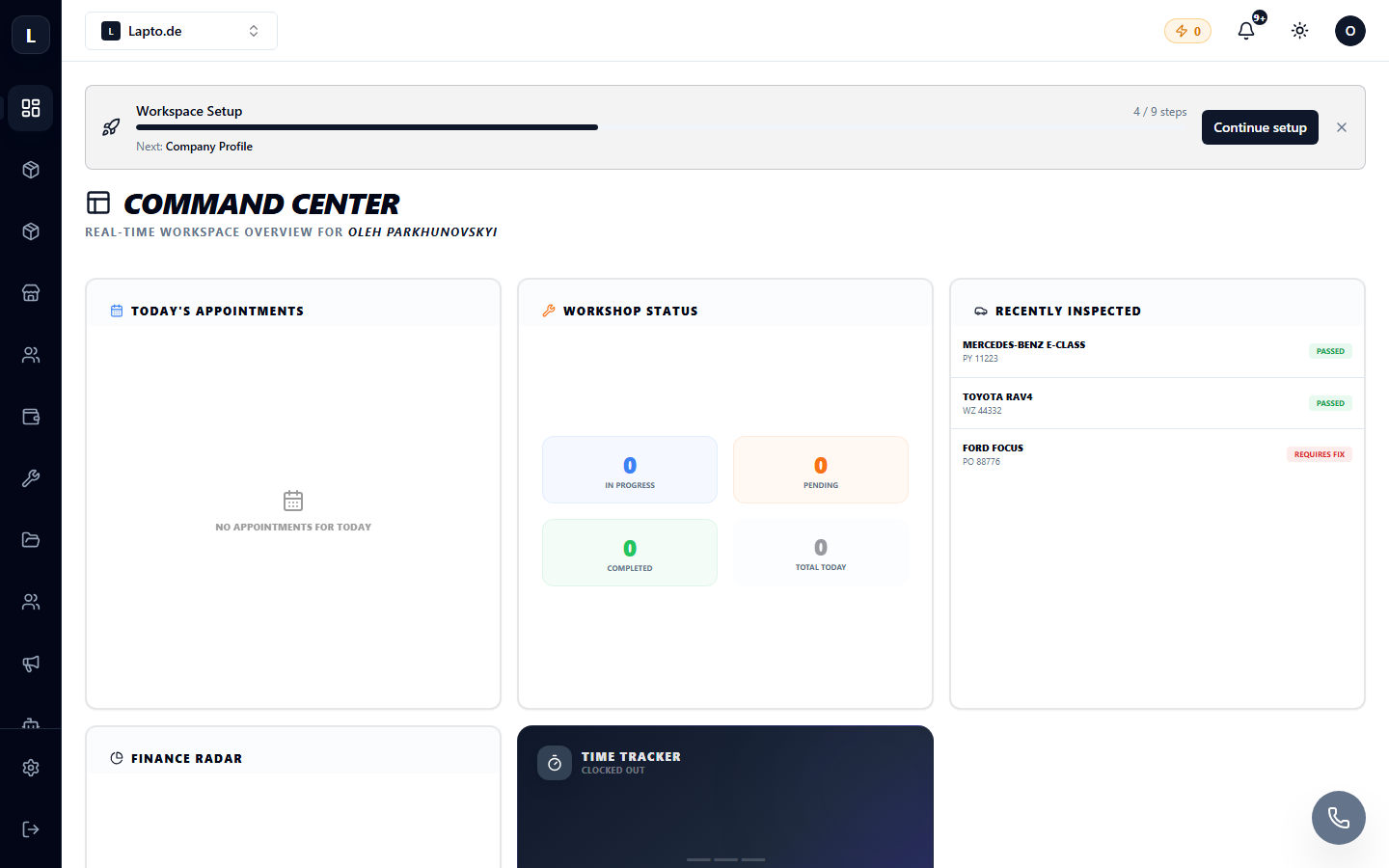
Interface Overview: Menus, Modules, and Quick Search

How the Oprela interface is structured: global module menu, contextual menu, main dashboard, and Ctrl+K search.

1 min read · 8/2/2026

Як звернутися в підтримку

Створення тікета в службу підтримки, статуси звернень і листування з командою Oprela.

1 min read · 8/2/2026

Workspace Settings: Name, Logo, Language

Where to change company name, logo, interface language, and other basic workspace settings.

1 min read · 8/2/2026

Кілька воркспейсів і перемикання між ними

Один акаунт — кілька бізнесів: як створити додатковий воркспейс і швидко перемикатися.

1 min read · 8/2/2026

AI-Guthaben: Wie sie berechnet und verbraucht werden

Alle AI-Funktionen von Oprela basieren auf Guthaben. Woher sie kommen, wofür sie ausgegeben werden und wie man sie auflädt.

1 min read · 8/2/2026

Plany taryfowe, limity i płatności

Jak działają taryfy Oprela, gdzie sprawdzić swój plan, limity i historię płatności.

1 min read · 7/29/2026

Tworzenie obszaru roboczego i pierwsze kroki

Obszar roboczy to przestrzeń Twojej firmy w Oprela. Jak go stworzyć i dostosować do swojego typu działalności.

1 min read · 7/29/2026

Wyszukiwanie AI w Centrum Pomocy

Na oprela.com/help, oprócz zwykłego wyszukiwania słów kluczowych, możesz zadać pytanie asystentowi AI — odpowie on na podstawie artykułów z bazy wiedzy.

1 min read · 7/29/2026

Schnittstellenübersicht: Menüs, Module und Schnellsuche

Wie die Oprela-Oberfläche aufgebaut ist: globales Modulmenü, Kontextmenü, Hauptpanel und die Suche mit Strg+K.

1 min read · 7/29/2026

Wie Sie den Support kontaktieren

Erstellen eines Tickets für den Support, Status der Anfragen und Korrespondenz mit dem Oprela-Team.

1 min read · 7/29/2026

Telegram Signup Bot: Fast Workspace Setup & Management

Register an Oprela workspace and manage your business directly via Telegram bot.

1 min read · 7/29/2026

Workspace-Einstellungen: Name, Logo, Sprache

Wo Sie den Firmennamen, das Logo, die Benutzeroberflächensprache und andere grundlegende Workspace-Parameter ändern können.

1 min read · 7/29/2026

Rejestracja konta i logowanie

Jak utworzyć konto Oprela, zalogować się i odzyskać hasło.

1 min read · 7/29/2026