Support Tickets
Creating a ticket with a category and attachment, corresponding with the support team.
Support is Oprela's built-in system for contacting support: choose a category, describe your problem, and the team will respond right here.
Where to find it
Settings → Support (/support).
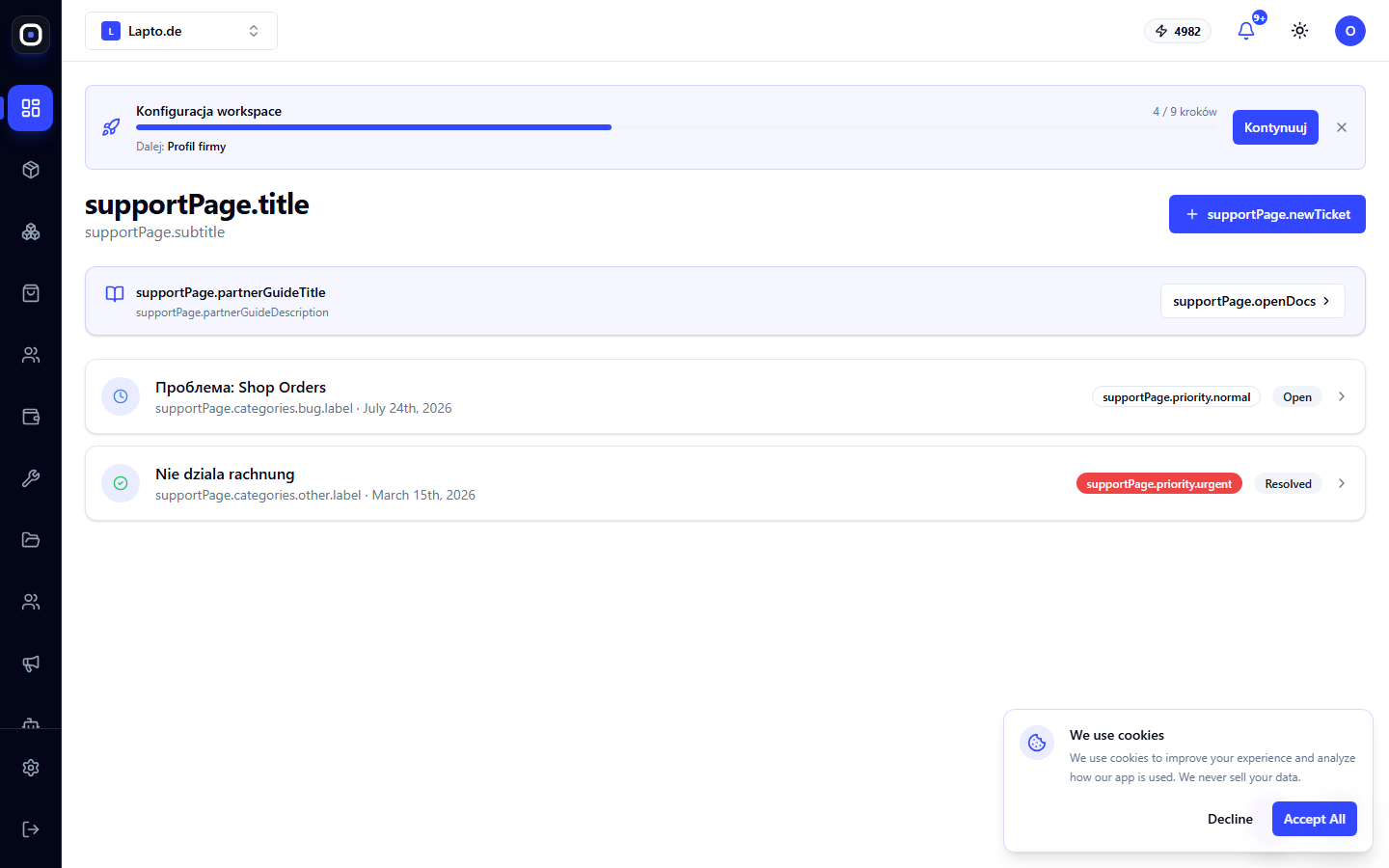
Creating a request
- On the ticket list page, click to create a new one.
- Choose a category: Getting Started, Billing & Subscription, Integrations, Inventory & Warehouse, Orders & Customers, Repairs, Bug/Technical, Feature Request, Other.
- Fill in the subject and message, and add images if needed.
- Send it – the ticket will appear in the list.
Correspondence
Open a ticket from the list – all communication with the support team takes place within it. The "Open Docs" button on the ticket card leads directly to the knowledge base if the answer can be found independently.