A Custom Help Center for Your Customers
Your store's public help center: categories, articles, search — just like this site.
The Help Center you are currently reading is a standard Oprela feature. You can create a similar one for your customers: delivery instructions, warranty information, FAQs.
Where to Find It
The Service Center module → Public Help Center (…/erp/knowledge-base?tab=public).
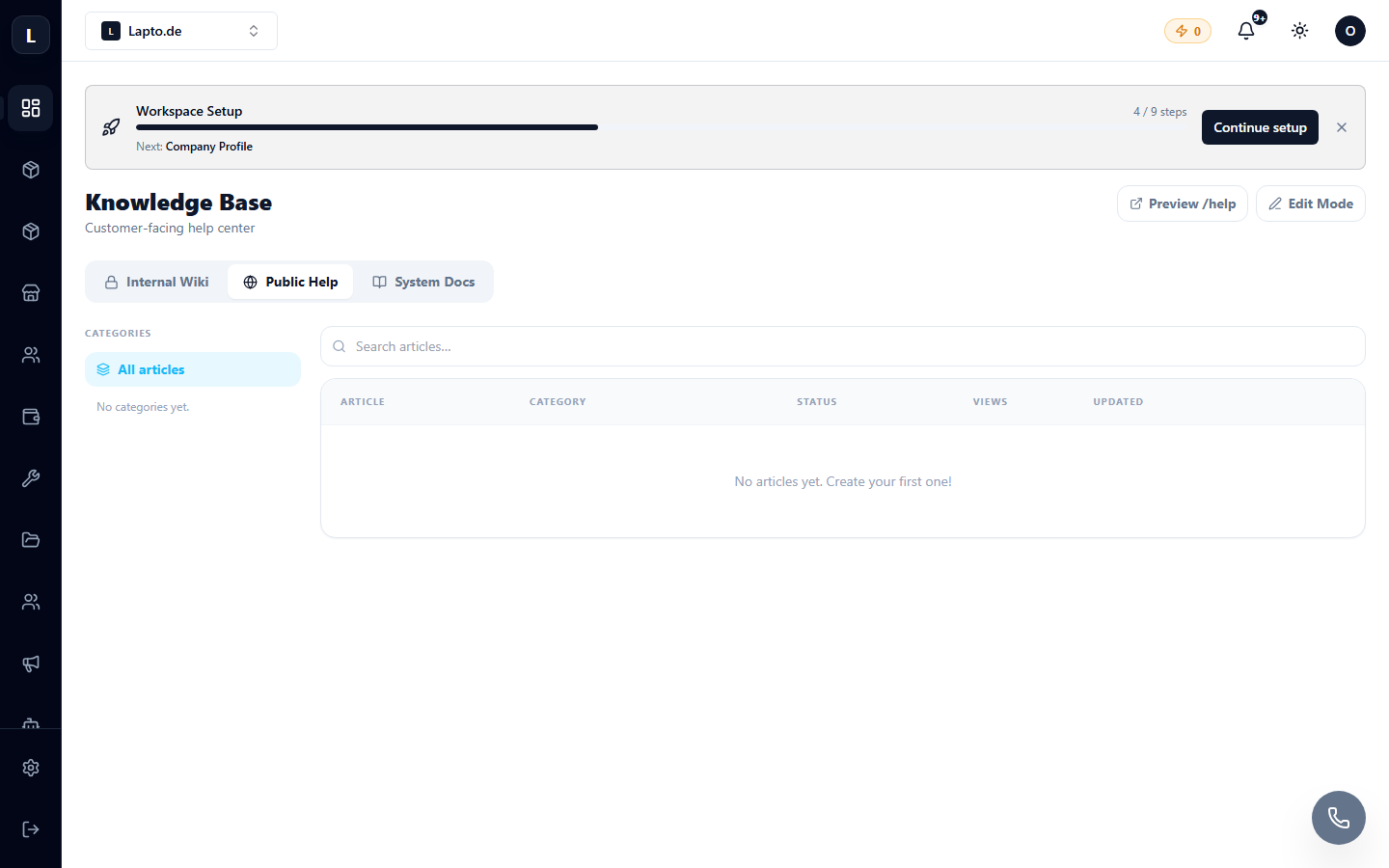
How to Populate It
- Create categories (e.g., Delivery, Payment, Warranty).
- Write articles in the Markdown editor: headings, images (by dragging and dropping), links.
- Set the status to Published and visibility to Public — the article will appear on your site at
your-store/help.
AI Editor Capabilities
- AI Edit — a dedicated button in the editor: describe what to change ("rewrite simpler," "add FAQ") — the AI will rewrite the article;
- Update All Languages — automatic translation of the article into other store languages with one click;
- both functions consume AI credits.
Internal Wiki
The same module has an Internal Wiki tab — articles exclusively for your team: regulations, instructions. See Internal Wiki.