How to contact support
Creating a support ticket, checking ticket statuses, and communicating with the Oprela team.
Can't find an answer in the help center? Write to us — support is built right into the system.
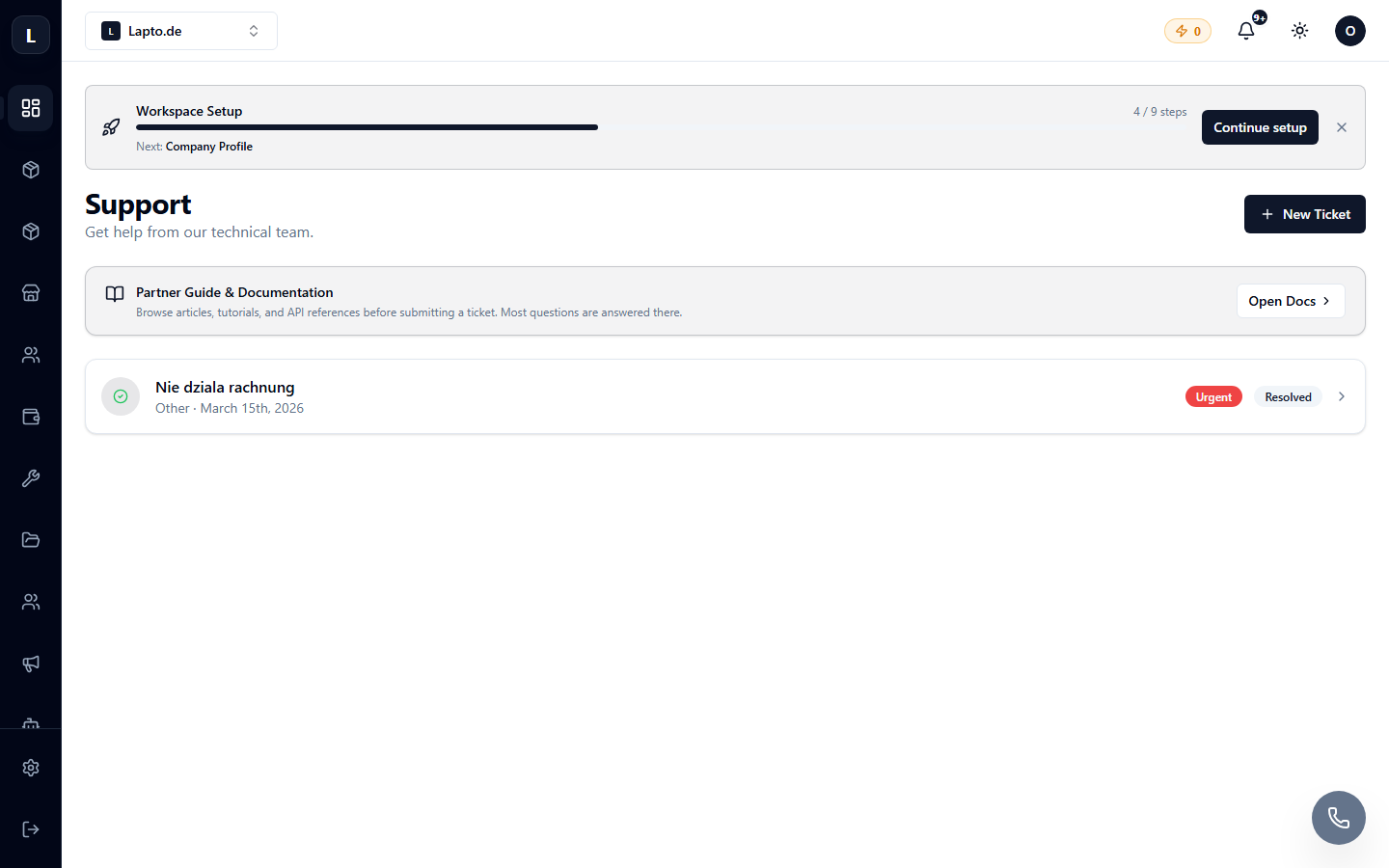
Creating a ticket
- Context menu Settings → Support (the item with the message icon).
- Click New ticket.
- Describe the issue: subject, category, detailed description. The more details you provide (where it happened, what steps you took, a screenshot), the faster you'll get a response.
- Submit it — the ticket will appear in the list with the status Open.
Communication
Open a ticket from the list — inside, you'll find a chat with the support team. Responses are also duplicated to your email.
Statuses
- Open — waiting for a support response;
- In progress — we are working on the issue;
- Resolved — resolved (can be reopened if the problem recurs);
- Closed — closed.
Before contacting support
Check this help center (search at the top of the /help page) — the answer might already be here. Technical glitches are often resolved by refreshing the page (F5) or logging in again.