Tariff plans, limits, and payment
How Oprela's tariffs are structured, where to view your plan, limits, and payment history.
Workspace functionality is determined by the tariff plan. A plan applies to one workspace.
Where to view your plan
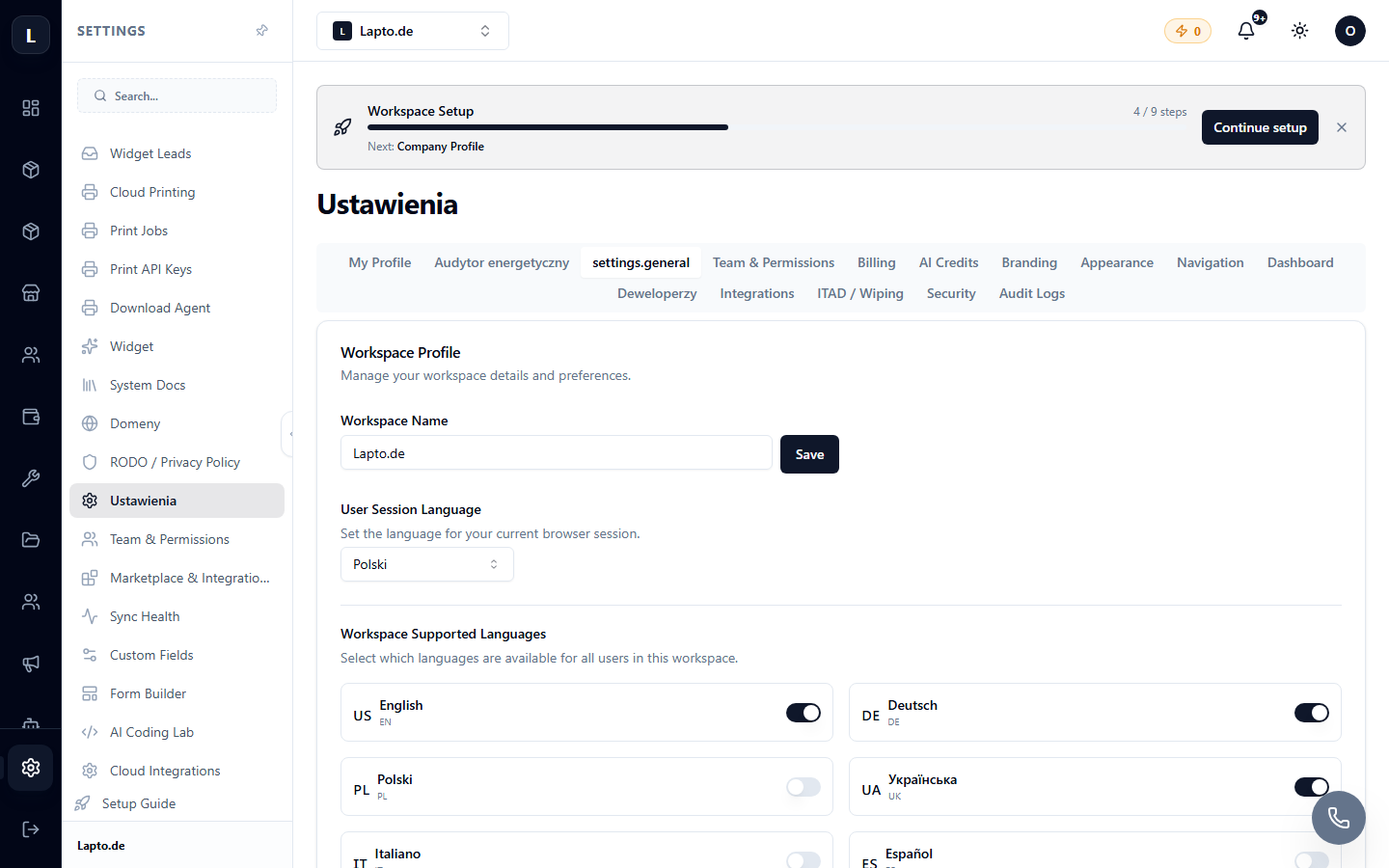
Settings → Billing / Subscription. The current plan is also visible at the bottom of the context menu — a small inscription under the workspace name.
What tariffs limit
- Modules and features — some modules are only available on higher plans; unavailable menu items are hidden.
- Limits — number of users, active products, orders per month, file storage space.
- AI credits — a monthly package for AI features; see AI credits.
If a limit is exhausted (e.g., monthly order limit), the system will notify you during the operation and suggest upgrading your plan.
Changing plan and payment
- Settings → Billing → Change plan.
- Choose a plan and period (month/year — annual payment is more cost-effective).
- Pay by card; the subscription renews automatically.
Payment history and invoices are also available there.
Add-ons
Certain features can be purchased separately without changing your plan — for example, an additional package of AI credits. Active packages are visible on the same Billing page.