Account Registration and Login
How to create an Oprela account, log in, and recover your password.
Oprela is a platform for business management: sales, inventory, service, marketing, and websites all in one place. To get started, all you need is an account.
Registration
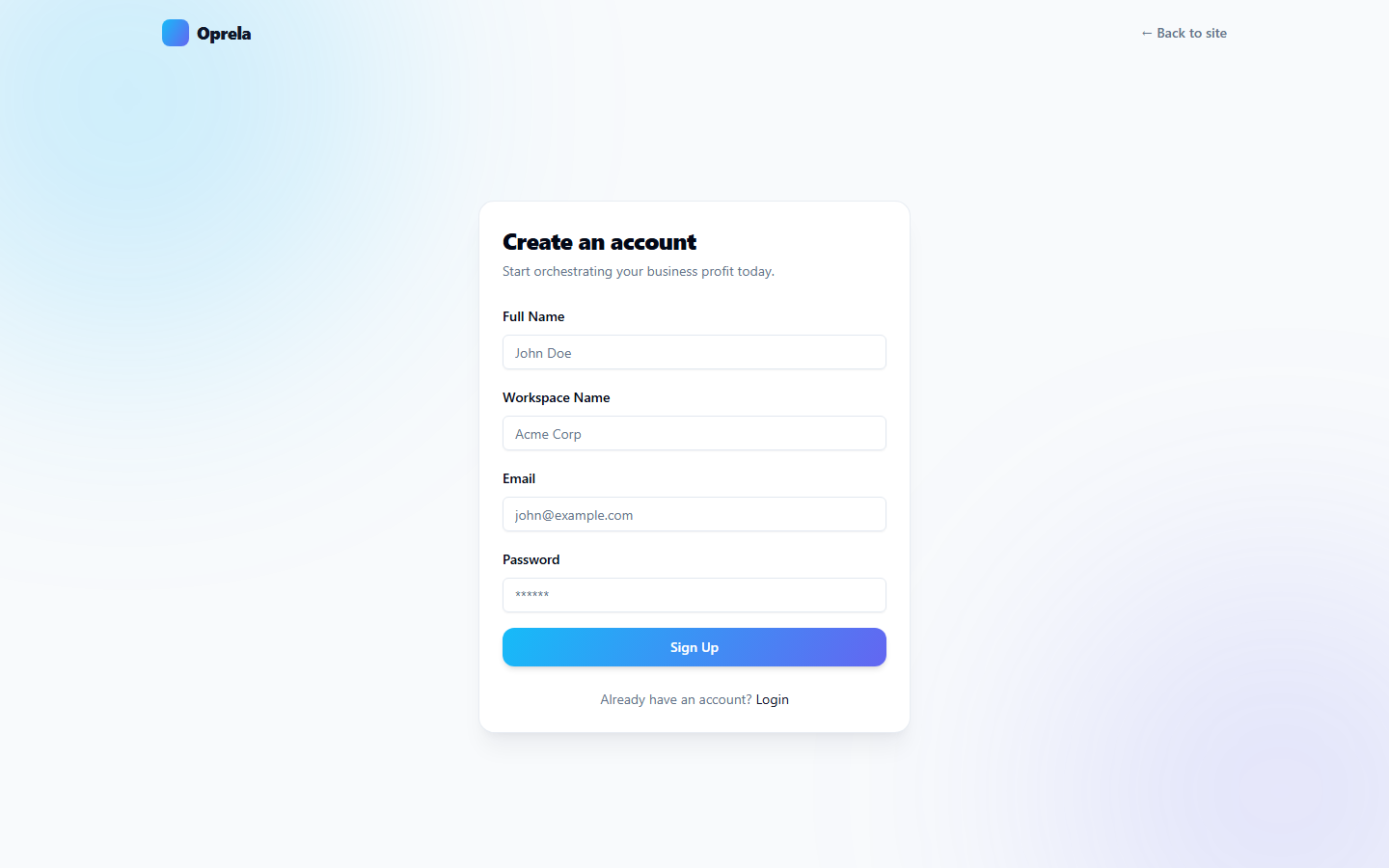
- Open oprela.com/signup.
- Enter your name, email, and password (minimum 8 characters).
- Click Sign Up. A confirmation email will be sent to your inbox – click the link within it.
- After confirmation, you will automatically be directed to the workspace creation wizard – read about it in the article Creating a Workspace.
Login
- Open oprela.com/login.
- Enter your email and password, then click Log In.
- If two-factor authentication is enabled for your account, the system will ask for a code from your authenticator app – see Two-Factor Authentication (MFA).
Forgot password?
- On the login page, click Forgot password?
- Enter your email – we will send a password reset link.
- Follow the link and set a new password.
Common Questions
Confirmation email didn't arrive. Check your spam folder. If it's not there either, try registering again or contact support.
Can I log in from multiple devices? Yes, sessions are independent. For security reasons, log out of your account on unfamiliar devices.