AI Search in the Help Center
On oprela.com/help, in addition to regular keyword search, you can ask questions to an AI assistant — it will answer based on knowledge base articles.
The Oprela Help Center (oprela.com/help) offers two ways to find an answer: a regular keyword search and an AI assistant that answers questions in its own words.
Where to find it
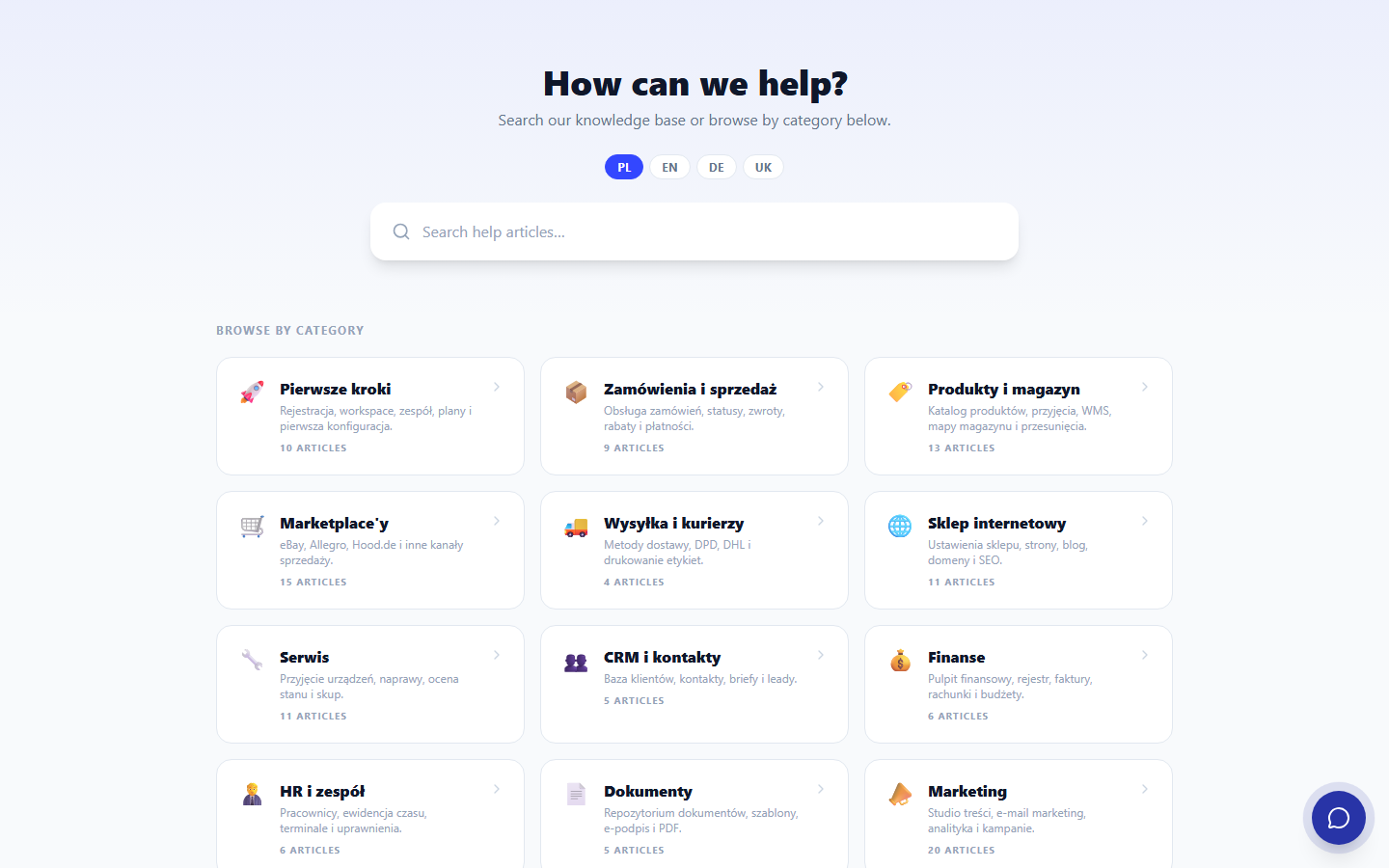
On the Help homepage (/help), there's a search bar at the top of the page for keyword searches across articles, and a floating chat button for questions to the AI assistant.
How AI chat differs from regular search
Regular search looks for keyword matches in article titles and texts. AI chat, on the other hand, understands freely formulated questions ("how to connect Allegro" or "can I issue invoices with 0% VAT for customers outside Germany") and answers in its own words based on published knowledge base articles, with links to sources.
On the platform's Help Center (oprela.com/help), this is the same Oprela AI Assistant that can create a website through an interview — here, it answers questions about the platform's capabilities. In the help centers of individual Oprela client online stores (each store can have its own public knowledge base), a similar but simpler AI chat operates, answering only based on that specific store's articles.
Credits
AI answers in the Help Center consume AI credits from the Oprela system workspace (for the platform's Help Center) or the specific store's workspace (for its own knowledge base) — not the credits of the visitor asking the question.