Repair Queue
Managing the flow of repairs: statuses, assigning technicians, priorities, and deadlines.
Repair Queue — the central screen of the service: all devices in progress, their statuses, and responsible parties.
Where to find it
Service Center module → Repair Queue & Advisor (…/erp/repair-queue).
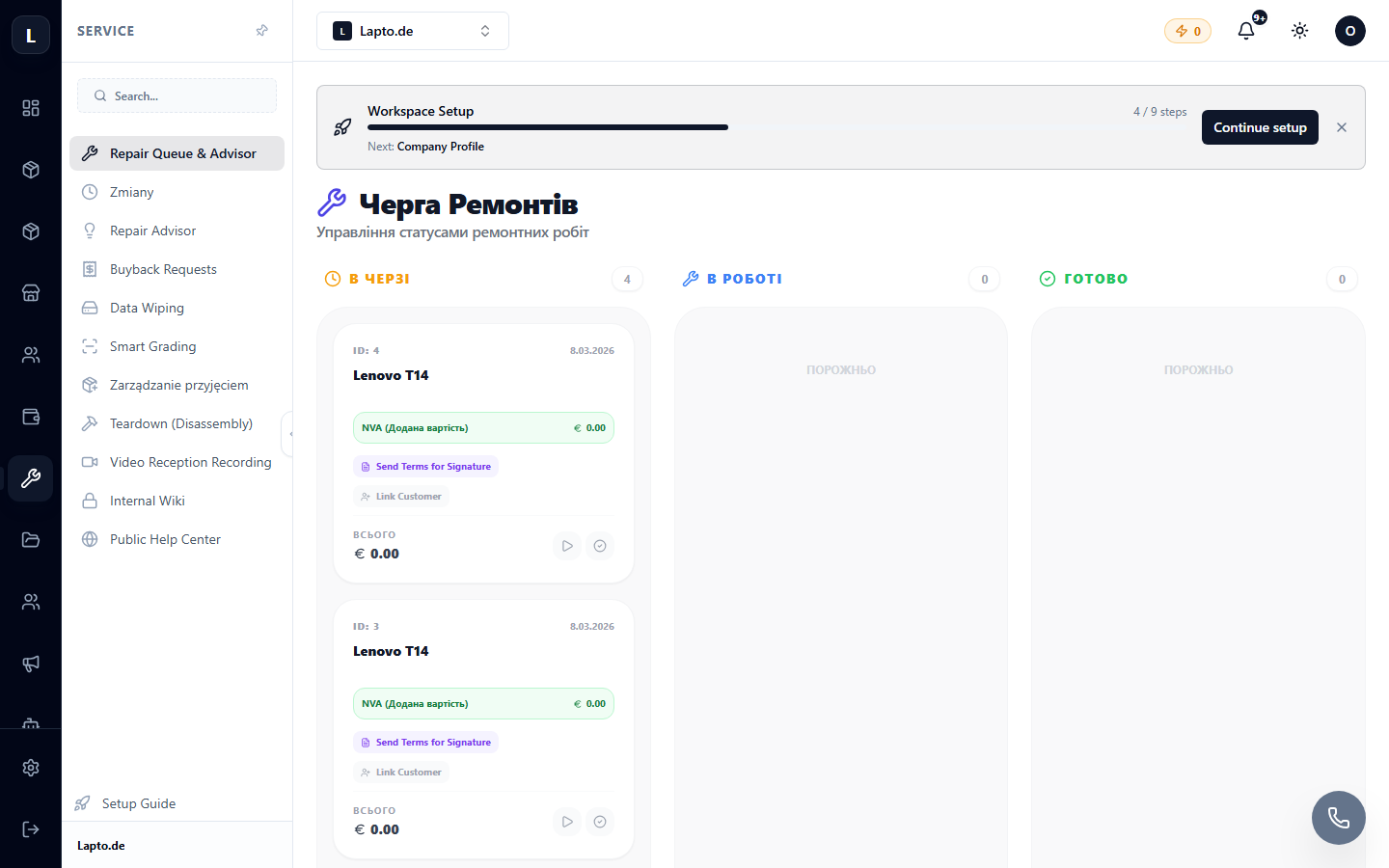
Working with the queue
- Statuses: diagnostics → approval → repair → test → ready for pickup;
- Assigning a technician — each repair has a responsible person;
- Priorities and deadlines — overdue items are highlighted;
- Filters by technician, status, device type.
Repair Card
Inside: device history, diagnosis, parts used (debited from stock), cost of work, client communication.
AI Assistant
Directly from the repair card, you can ask AI Repair Advisor — for typical model faults, disassembly tips, compatible parts.