Device Intake
Registering a device for repair: client data, problem description, photo documentation, and public intake form.
Intake is the beginning of every repair. The more accurately the intake is documented, the fewer disputes there will be about "was the scratch already there?".
Where to find it
Service Center module → Intake Management (…/erp/intake).
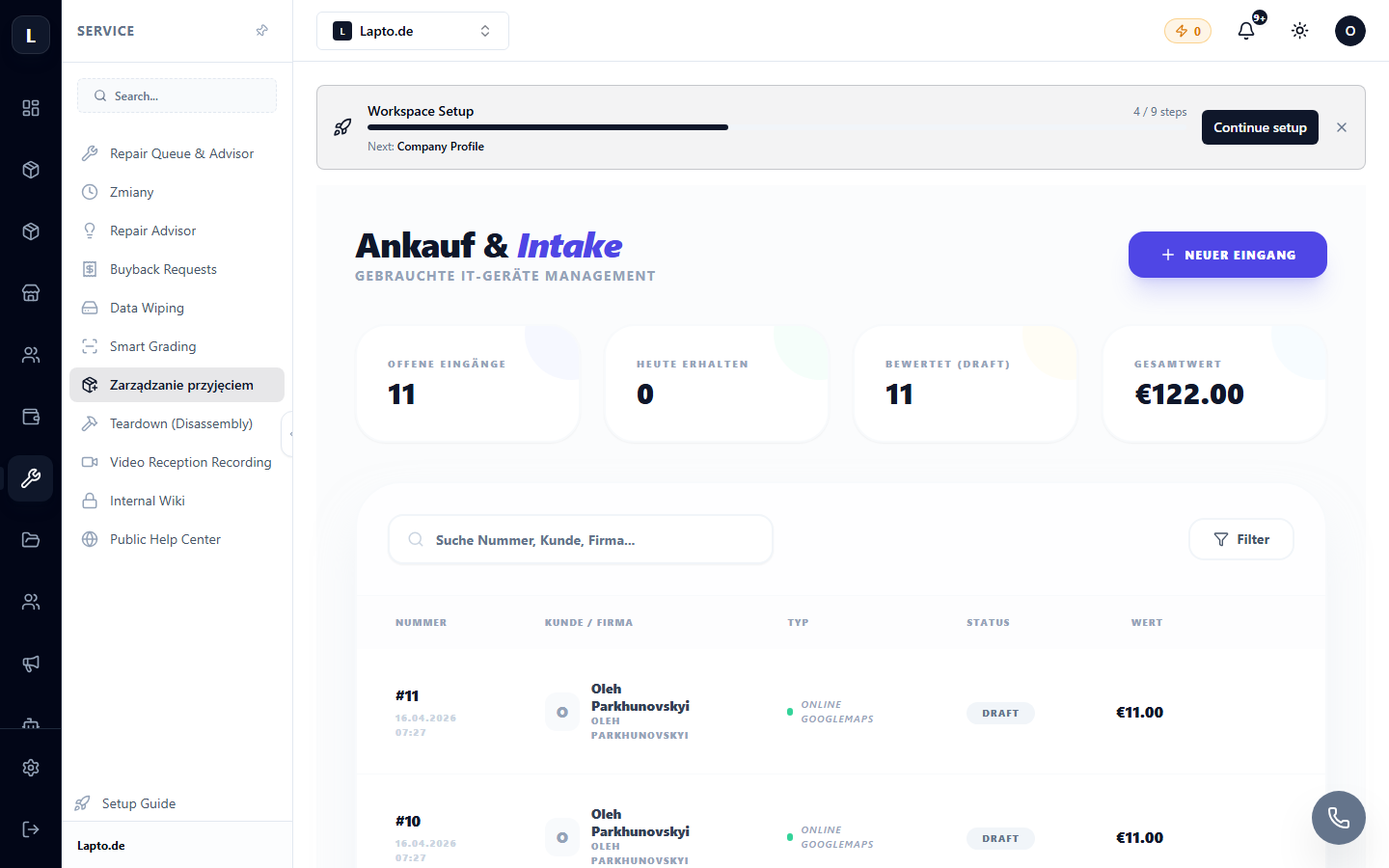
Documenting an Intake
- New intake → find the client in CRM or create a new one.
- Device: type, model, serial number, accessories.
- Problem as described by the client + visible damage.
- Photo documentation — photograph the device from all sides; for full transparency, video recording is available.
- Print the intake receipt with a number — the client will track the status using it (Repair Tracking).
The device then enters the repair queue.
Public Intake Form
The client can fill out the application themselves — on your website or via a form link (Public Intake). The application will appear in your intake list with the status "new".
Read more
- Repair Queue
- Client Repair Tracking
- Document Templates — receipts and acts