Security and Data in Oprela: Who Sees Your Information
How Oprela protects business data: workspace isolation, roles and access rights, two-factor authentication, audit log, AI action control, and GDPR compliance.
When you transfer clients, orders, finances, and employee data into a system, the first question is who else will see it. This article answers that question without marketing generalities.
Only You See Your Data
Each company operates in a separate workspace. Isolation is ensured not by the interface, but by access rules at the database level: every request checks if the user belongs to the workspace from which they are requesting data. Even an interface error will not expose someone else's data.
Files (photos, documents, scans) are stored in secure repositories. Private files are only accessible via signed links with limited validity periods.
Everyone Sees Only What They Need To
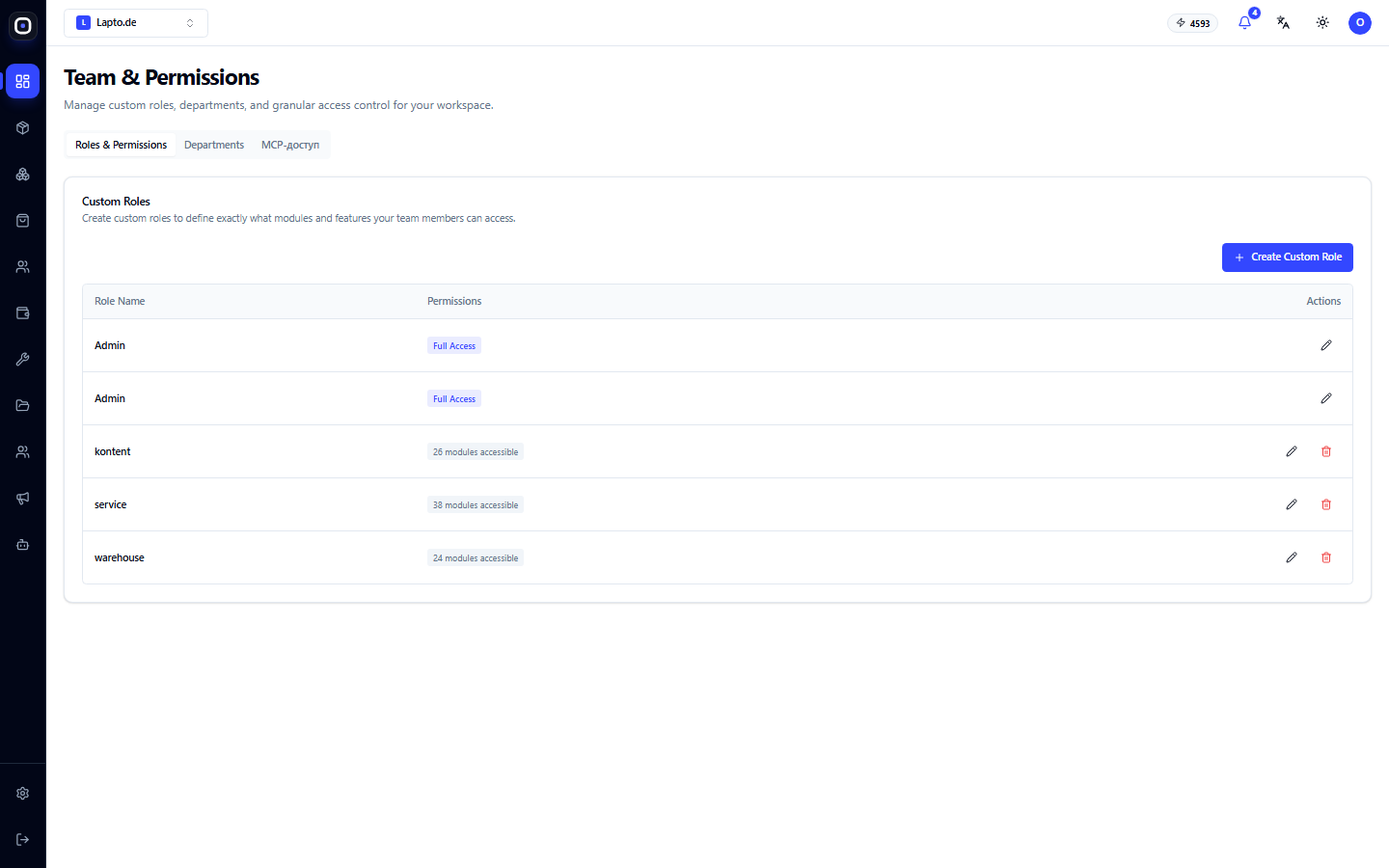
- Roles. Owner, Administrator, Employee, and special roles (e.g., terminal for a workshop or integrator).
- Custom Roles. You create roles tailored to your structure and enable access to each module separately.
- Departments. Permissions can be granted at the department level.
- Sensitive Data. HR data, candidate passport details, and financial information are only visible to those explicitly permitted.
Secure Login
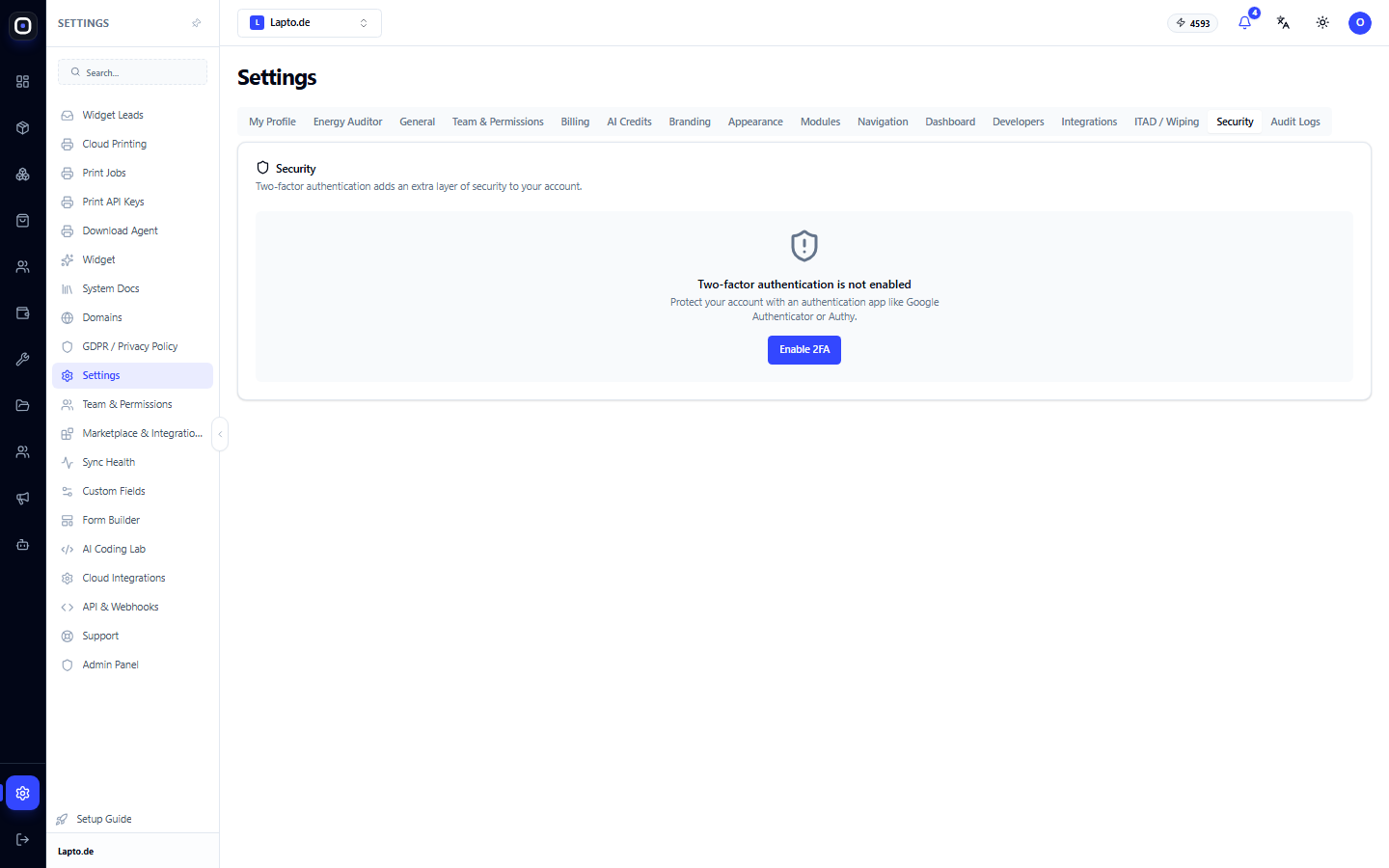
- Two-Factor Authentication (MFA) via an authenticator app. We recommend enabling it for everyone with access to finances and settings.
- Bot protection on login and registration pages.
- Separate access keys for API, printing, and external connections, which can be revoked at any time.
Audit Log
Important actions in the system are recorded in a log: who, when, and what was changed. If something goes wrong, you'll find the cause instead of guessing. The log retention period depends on your plan.
AI Under Control
- AI operates within the permissions of the user or connection on whose behalf it is working.
- Actions that modify data or go external may require human approval.
- External AI assistants (ChatGPT, Claude) only receive the tools you allow, and access can be revoked.
- The most sensitive data (e.g., employee identification numbers) are not provided to AI tools.
GDPR Compliance
Oprela provides tools to meet personal data protection requirements:
- Consent for cookies and analytics on your websites.
- Privacy policy and pages for it in the website builder.
- Unsubscribe and preference center for newsletters.
- Data export for data subject requests.
Responsibility for the legal basis of processing your customers' data remains with you as the data controller. Oprela provides the technical means for this.
Five Steps to Take Immediately
- Enable MFA for the owner and administrators.
- Create roles for actual positions instead of giving everyone administrator rights.
- Revoke access for departing employees on their last day.
- Check the audit log once a month.
- Issue API keys only for specific tasks and with minimal permissions.