Team Permissions
Fine-tune access: who sees which modules and what they can do.
Roles (owner/admin/member) are the foundation; more granular access is configured on the permissions page.
Where to find it
Settings module → Team & Permissions (…/team-permissions).
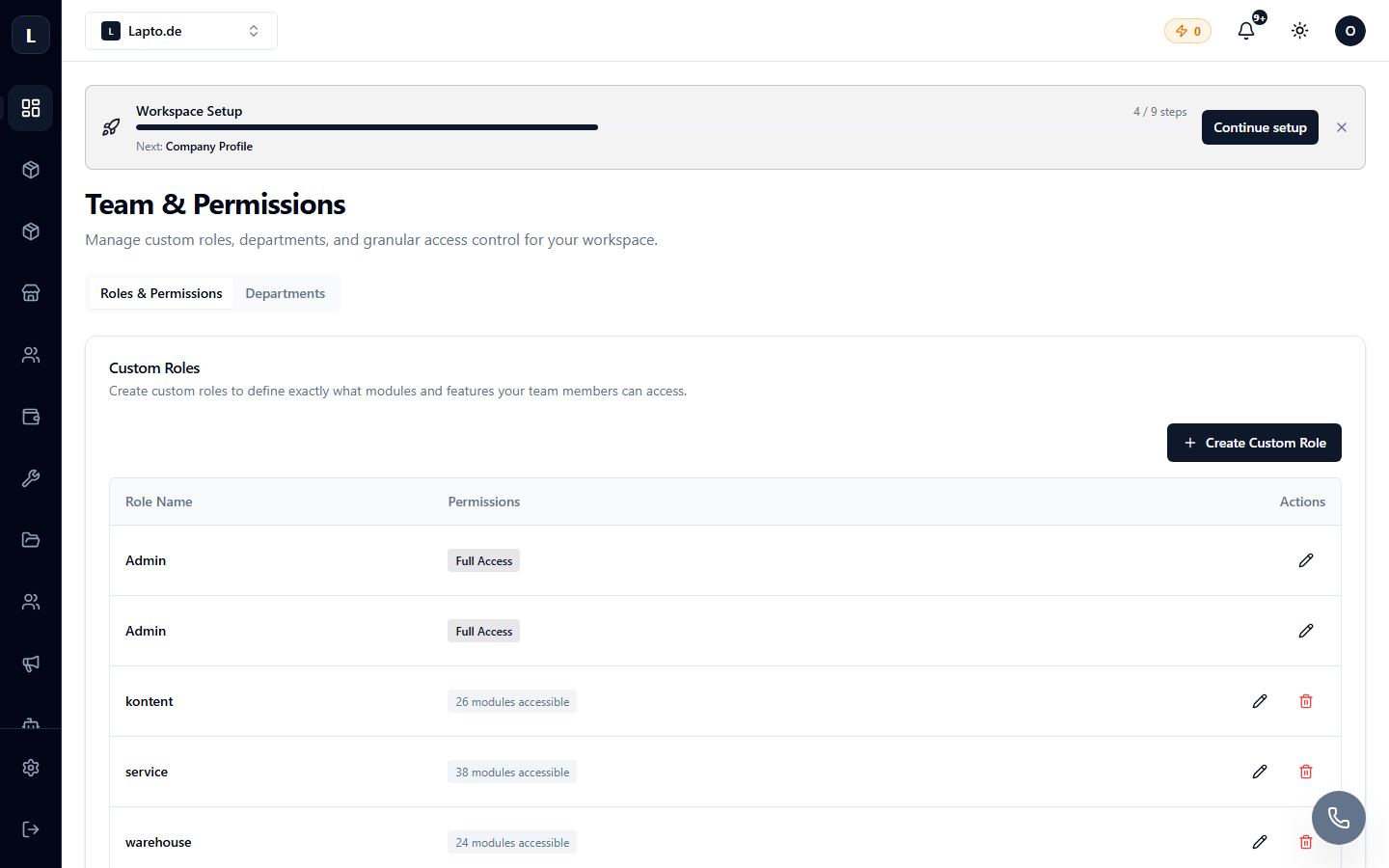
What can be configured
- Module visibility for member roles: a salesperson sees orders and the catalog, but not finances;
- actions within modules: viewing vs. editing;
- specific sensitive operations (price changes, refunds) — for administrators only.
Tip
The principle of least privilege: grant only the access needed for work, and expand as necessary. All user actions are visible in the audit logs.