CRM Contacts: Table and 360° Card
Customer directory with filters and a full contact card: deals, orders, subscriptions, AI conversations.
CRM Contacts is a directory of all your customers in a table format, with a full 360° card for each.
Where to find it
CRM & Contacts module → CRM Contacts (/crm/contacts).
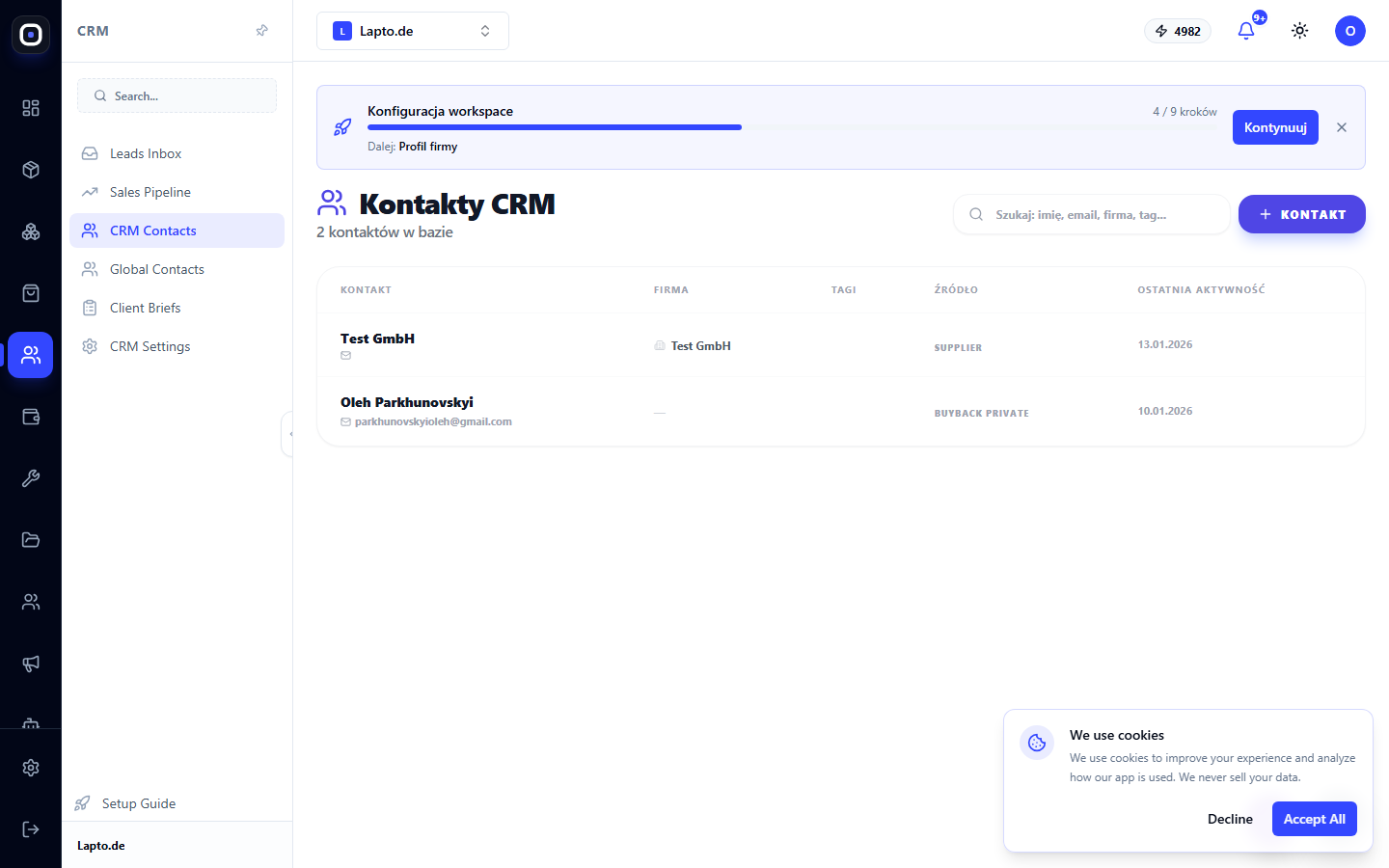
Contacts Table
Search by name, email, company, or tag. Columns: Contact (name + email/phone), Company, Tags, Source, Last Activity.
Creation and Editing
Click the "Contact" button → name, email (required), phone, company, tags separated by commas, notes → "Save".
360° Card
Clicking a row opens a sidebar with tabs:
- Profile — contact details, source, creation date, notes;
- Deals — all contact deals with amounts and stages (the same data model as Sales Pipeline);
- Activity — history of notes, calls, tasks;
- Orders — store orders, matched by email;
- Mailings — email newsletter subscriptions;
- Conversations — a concise summary of conversations with the AI sales agent (full dialogues are in Agent Hub → Sales).
At the top of the card is quick statistics: number of deals, amount won, number of orders.
How it differs from Global Contacts
Global Contacts is a broader directory (suppliers, partners, couriers), not just customers. CRM Contacts is specifically a customer base with commercial history (deals, orders, conversations).