Leads Inbox
A queue of new inquiries from all sources: take into work, transfer to sales, or reject as spam.
Leads Inbox is the first stop for any new inquiry: from a 3D widget, website forms, store, or buyback. From here, the lead is either taken into work or immediately transferred to the sales pipeline.
Where to find it
CRM & Contacts module → Leads Inbox (/crm/inbox). The counter next to the title shows the number of new (not yet taken into work) leads.
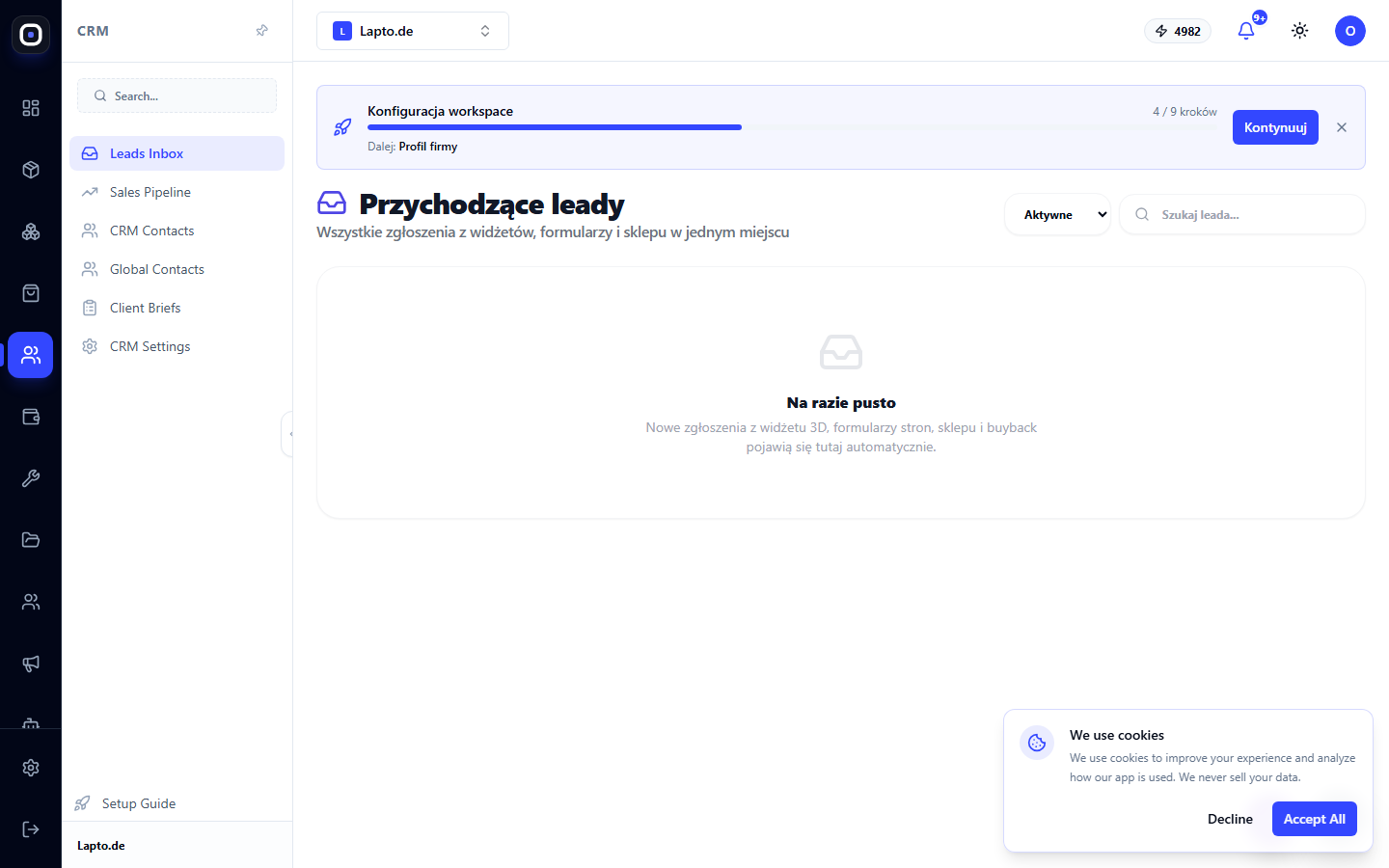
List of leads
- Filter "Active" (default) / "All" / specific stage;
- search by contact's name, email, phone, or company;
- each row — source label (3D widget, store, subscription form, website form, contact form, buyback, buyback B2B, Lead Engine, manual), stage, creation time, contact details, and deal amount.
Actions with a lead
Until a lead is taken into work, three buttons are available:
- "Take into work" — assigns the lead to you: moves it to the "In progress" stage and makes you responsible.
- "To sales" — immediately transfers the deal to the main sales pipeline, bypassing intermediate steps.
- Ban icon — "Spam / reject": closes the lead as lost with the reason "spam".
Clicking on a row opens the same deal card as in the Sales Pipeline — with activity and email sending.
Where leads come from
Each new inquiry (3D configurator, website form, buyer registration, buyback request, Lead Engine result) automatically creates a deal in this inbox pipeline — no configuration is needed.