Widget Leads
Applications from the calculator widget on your website: how they enter the system and what to do with them.
If your website has a request widget, each completed form becomes a lead in this list.
Where to find it
Settings module → Widget Leads (…/widget-leads).
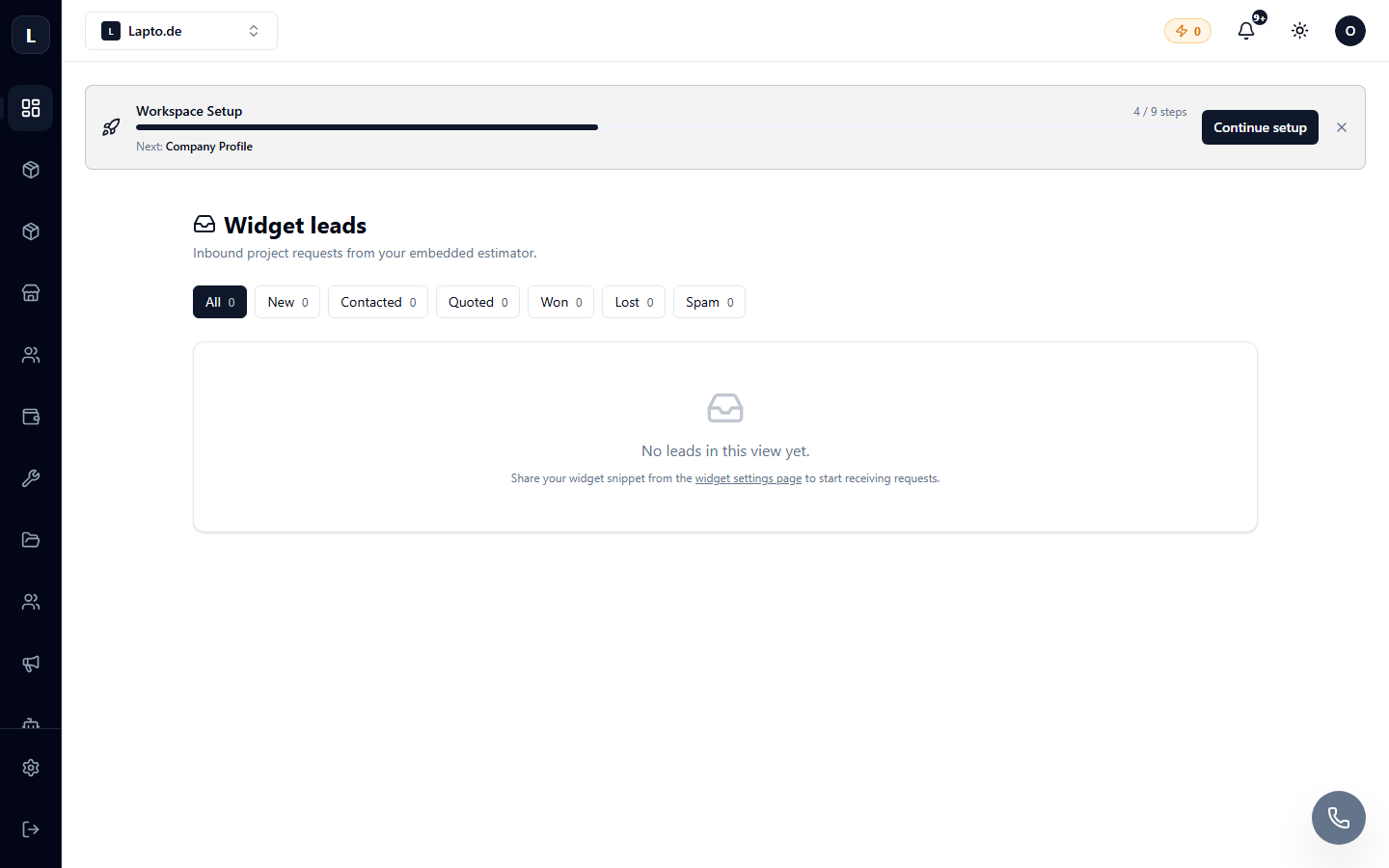
Working with a lead
- Open the lead — customer contacts and everything they specified in the widget (parameters, files, comments).
- Change the status: new → in progress → closed (won/lost).
- Convert to a CRM client with one click.
Automation
Scenarios can react to new leads: notifications to the manager, automatic email to the client, AI lead quality assessment.