Widget for your website
An embeddable calculator/request form for an external website: setup, embed code, and client portal.
A Widget is a calculator form that can be embedded on any website (not necessarily one built with Oprela). Visitors fill in the parameters, and you receive a lead.
Where to find it
Settings → Widget (…/widget-settings).
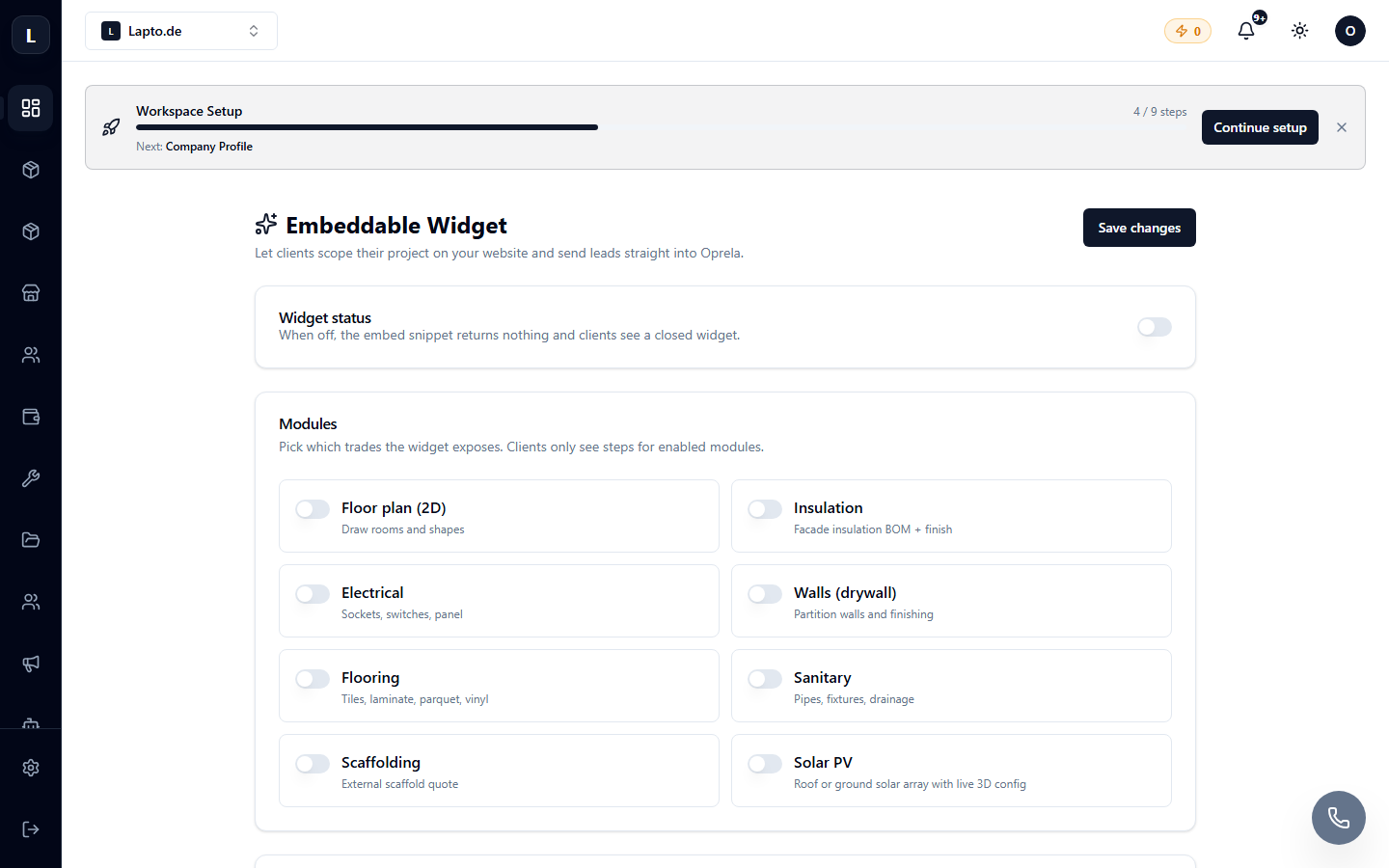
Setup
- Configure the widget steps: questions, options, contact fields.
- Customize the appearance to match your brand (colors, logo).
- Copy the embed code and add it to your website – the widget will work immediately.
A direct link to the widget (/widget/…) can also be shared without a website, for example, on social media or in advertisements.
Client portal
After submitting a request, the client receives a link to the portal, where they can see the status of their request and your offers.
Read more
- Leads from the widget
- 3D Configurator — for complex products