Returns and RMA
Processing return requests: viewing, approving with refunds, rejecting — with automatic return of goods to the warehouse.
The Returns (RMA) module allows you to process return requests in as organized a manner as orders — with real approval/rejection and automatic refunds.
Where to find it
Storefront → Returns & RMA module (path …/erp/storefront-returns).
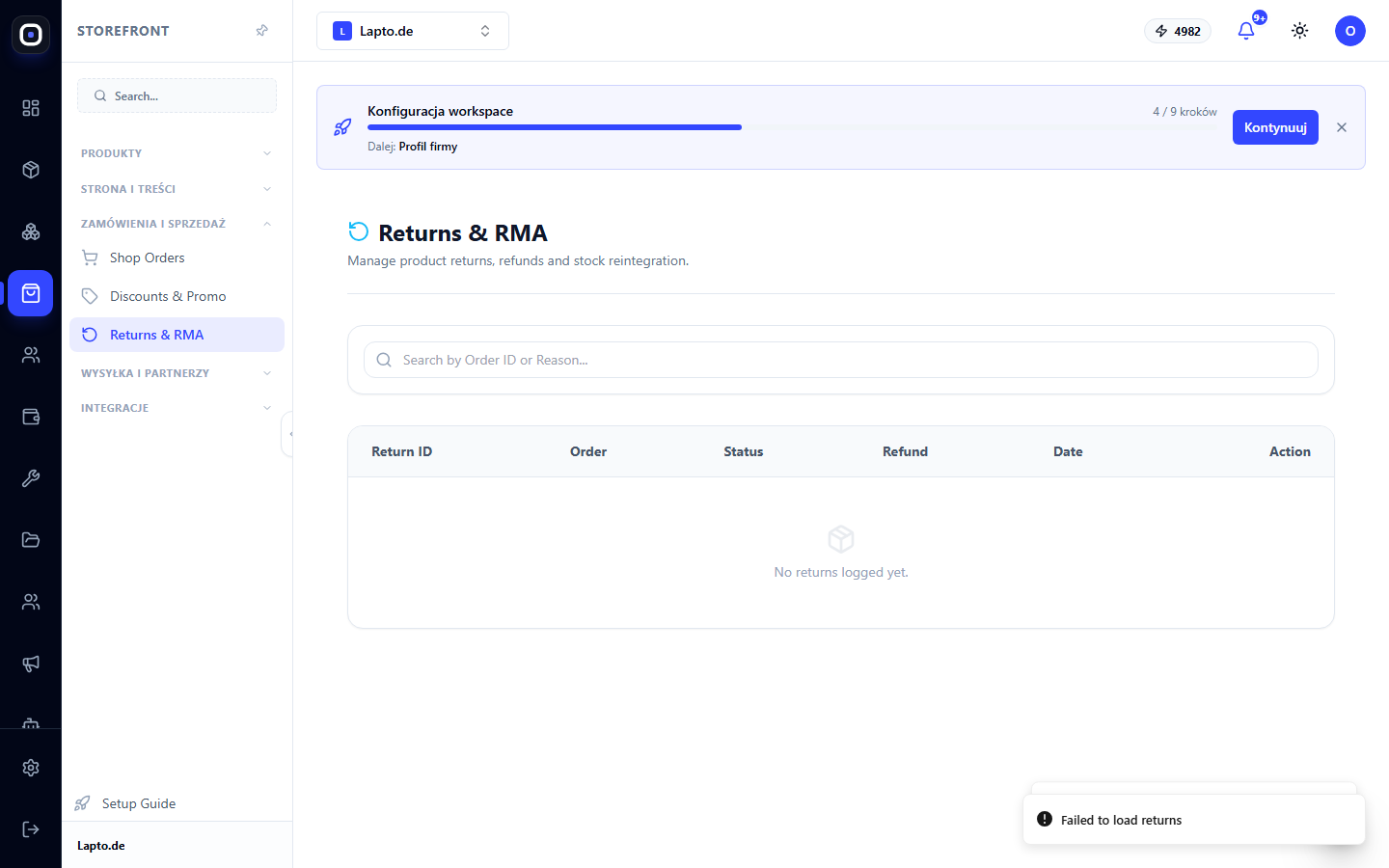
Processing a request
In the list, each request has a status: Pending, Approved, Rejected, Completed. Requests in Approved/Completed or Rejected statuses can no longer be changed — actions are only allowed for Pending.
- Click the action button (arrow) next to a request with Pending status — a window will open with the reason for return, a list of items, and a refund amount field.
- Approve & Refund — a single action that immediately:
- Reject — closes the request without any consequences for the warehouse or payment.
If the refund failed
If the Stripe request failed after approval (e.g., a temporary network error), the request remains in Approved status, and the item has already been returned to the warehouse. A Retry Refund button will appear in the request window — click it once the Stripe issue is resolved; no re-approval or re-return of the item to the warehouse will occur.
Who can approve
Only the workspace owner and administrator can approve or reject requests — a regular employee sees the list but without access to actions.
Tip
Outline your return policy on a separate store page (CMS pages) — this will reduce the number of disputed requests.