Email Campaigns
Creating and sending email campaigns to your subscriber base.
Email marketing in Oprela — a complete cycle: audience, segments, campaigns, automated sequences, and analytics.
Where to find it
Marketing module → Email Marketing (…/email-marketing).
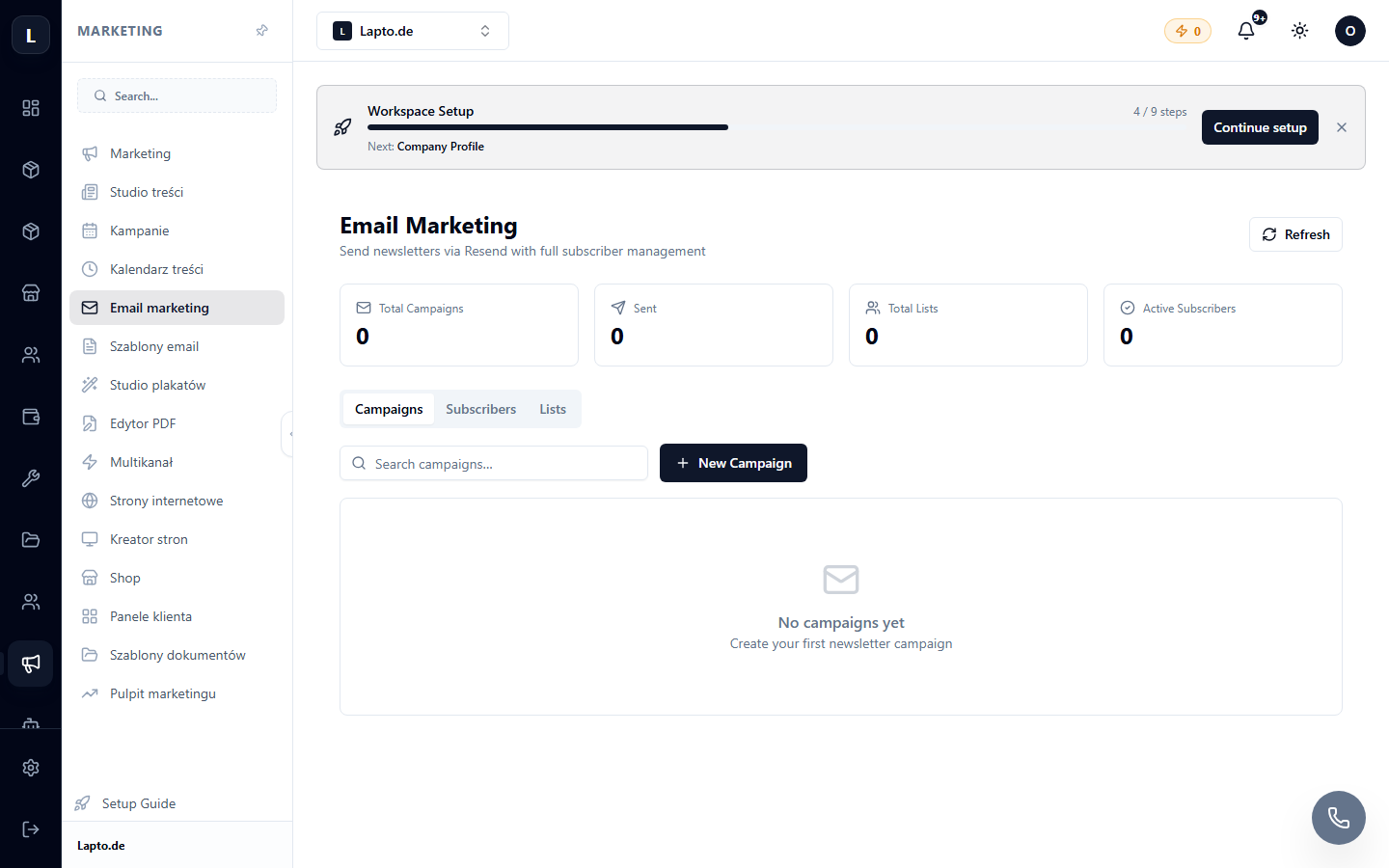
Creating a Campaign
- New campaign → email subject and sender.
- Select a template (email templates) and fill in the content.
- Choose recipients: entire audience or a segment.
- Send a test email to yourself → check the appearance → Send or schedule a time.
After Sending
Campaign statistics: delivered, opened, clicks, unsubscribes. For delivery issues, see Deliverability.
Legal Aspects
Send only with consent (double opt-in — signup forms); an unsubscribe link is added automatically (unsubscribe).