Setting Up Warehouses and Locations
Creating warehouses, zones, and cells: the foundation of order for WMS.
Before using warehouse functions, describe your warehouse structure: warehouses → zones → cells.
Where to find it
Products & Inventory module → Warehouse Setup (…/erp/warehouse-setup).
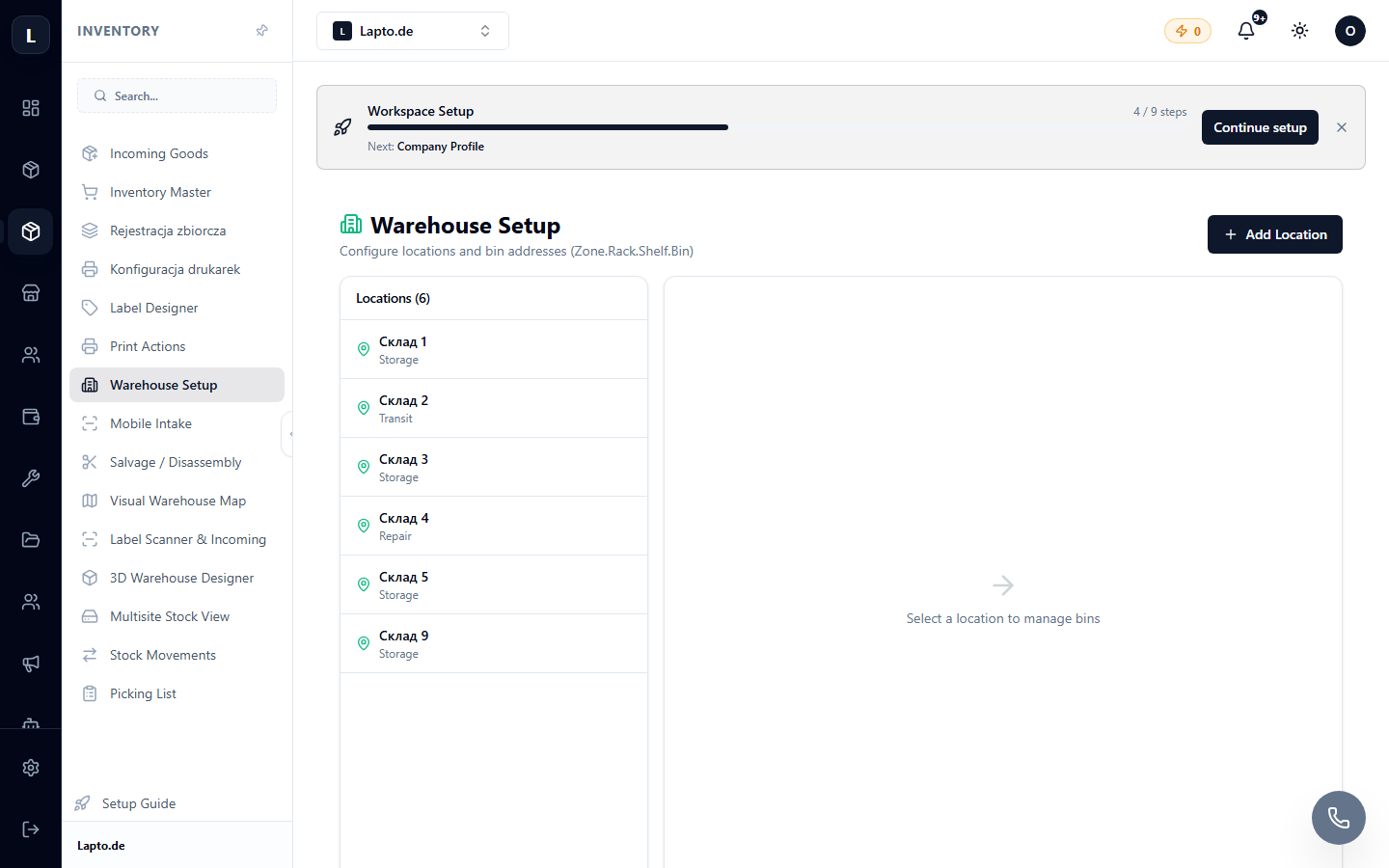
Setup steps
- Create a warehouse — a physical location (e.g., "Store", "Warehouse #2").
- Add zones — racks, shelves, receiving area.
- Cells — specific storage locations with addresses (e.g.,
A-01-03).
The cell naming scheme can be set automatically — see WMS Naming Scheme.
Why is this needed?
- The product card shows the exact storage address;
- picking lists guide the picker along the shortest route;
- warehouse map and 3D designer visualize the layout.
Location limit
The number of warehouse locations depends on your plan — see Plans & Billing.