Picking Lists
Order picking by route: the picker sees what to pick and from where.
A Picking List transforms orders into a route for the picker: a list of items with cell addresses in the correct traversal order.
Where to find it
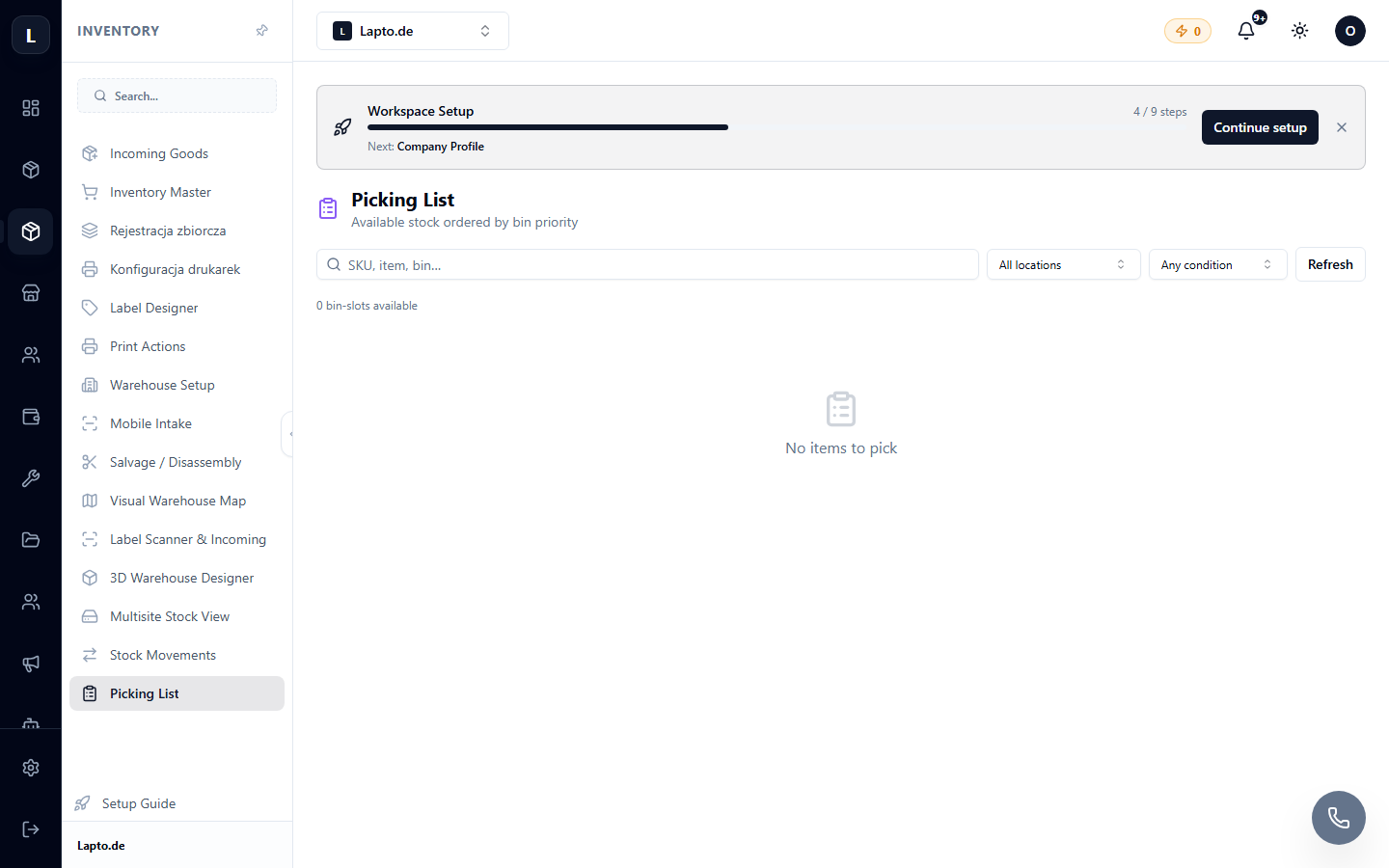
Products & Inventory module → Picking List (…/erp/wms-picking).
How it works
- Select orders (one or more – batch picking).
- The system generates a list: item → cell → quantity.
- The picker follows the route and marks picked items (even faster with a scanner).
- The picked order moves to packing and shipping.
Prerequisites
For picking to work, items must be linked to cells – see Warehouse Setup.