Dynamic Blocks: Blog List, Vacancies, Application Form
Blocks that automatically pull data from the system — blog post lists, open vacancies, application forms with custom fields and spam protection.
Unlike blocks with their own text (Hero, Footer), dynamic blocks pull content directly from the corresponding module. You only need to add the block to a page once, and it updates automatically with the data.
Blog List — Article List
Displays cards of the latest posts. Fields: Section Title, Number of Articles (3/6/9), Show Excerpt — whether to show a short excerpt below the card title.
Posts themselves are not written here, but in the Storefront → Blog & Content (…/erp/blog) module — see Storefront Blog. The block only displays published posts in the current page's language (falling back to the default language if no translation is available).
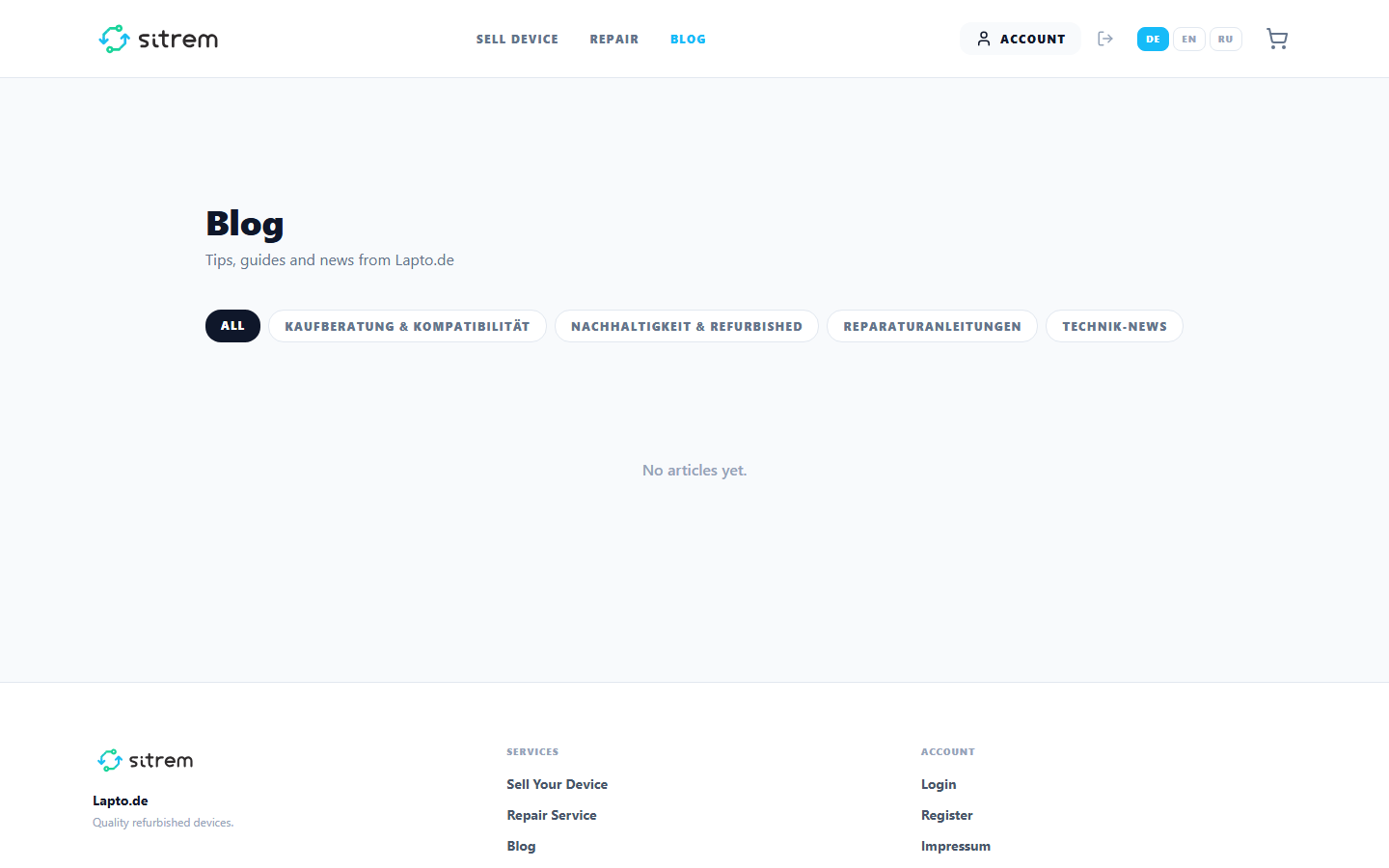
Single Post Page — Article Post
Placed on a dynamic page (/blog/:slug) — the title, text, and cover are automatically pulled from the post. There are only two settings: show cover image and show publication date.
Vacancy List — Vacancy List
A public "Careers" page with open vacancies. Fields: Section Title, Number of Vacancies (3/6/9), Show Salary — whether to show the salary range on the card.
Website visitors can filter the list by position, city, contract type, and minimum salary directly on the page (parameters in the URL — you can share a direct link to a filtered list). Vacancies themselves are managed in the HR module.
Application Form — Lead Form
A builder for a custom form directly on the page — contact form, consultation request, feedback form.
- Form ID — identifier for filtering in the leads inbox;
- Title / Subtitle — form title and subtitle;
- Field Builder — drag-and-drop to add fields of 8 types: text, email, phone, number, multiline text, dropdown, checkbox, date; for each field — label, service key, placeholder hint, options (for dropdown), and "required" toggle;
- Submit Text — text for the submit button;
- Success Message — what to show after successful submission;
- Accent and background colors.
The form is protected from spam bots (hidden honeypot field) and limited to three submissions per hour from one browser. All applications go to the builder's forms inbox.