Shop Analytics
Revenue, orders, average check, top products, and abandoned cart conversion all in one dashboard.
The Analytics dashboard shows how your store is actually performing — without exporting data to spreadsheets.
Where to find it
Shop module → Analytics (…/shop/analytics).
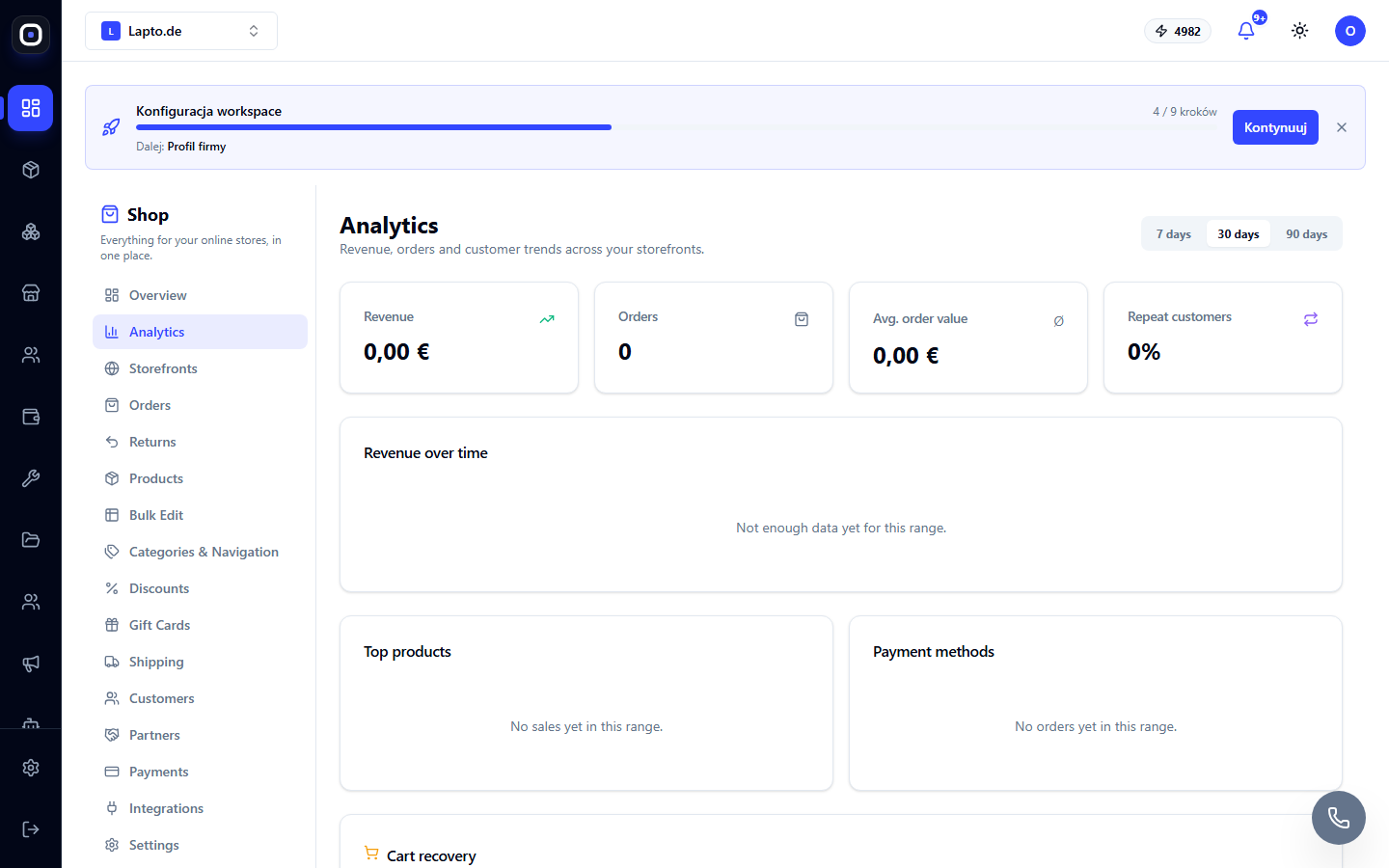
What it shows
- Revenue, orders, average check, share of repeat customers — for 7/30/90 days;
- Revenue graph for the period;
- Top products by revenue;
- Payment methods — distribution of orders by card/PayPal/invoice/cash on delivery;
- Abandoned carts — how many of them in the selected period turned into orders (related to cart reminders).
How to read it
Empty graphs with the label "Not enough data" are normal for a new store or a short period; switch to 90 days or wait for the first sales.
Read next
- Working with orders
- Shop customers
- Sales Analytics — general financial analytics for the workspace