Editing Product Photos
A quick built-in editor for cropping, rotating, and basic retouching of photos directly within the product card.
To quickly get a product photo ready before publishing, you don't need to open an external editor – the product card has its own lightweight tool.
Where to find it
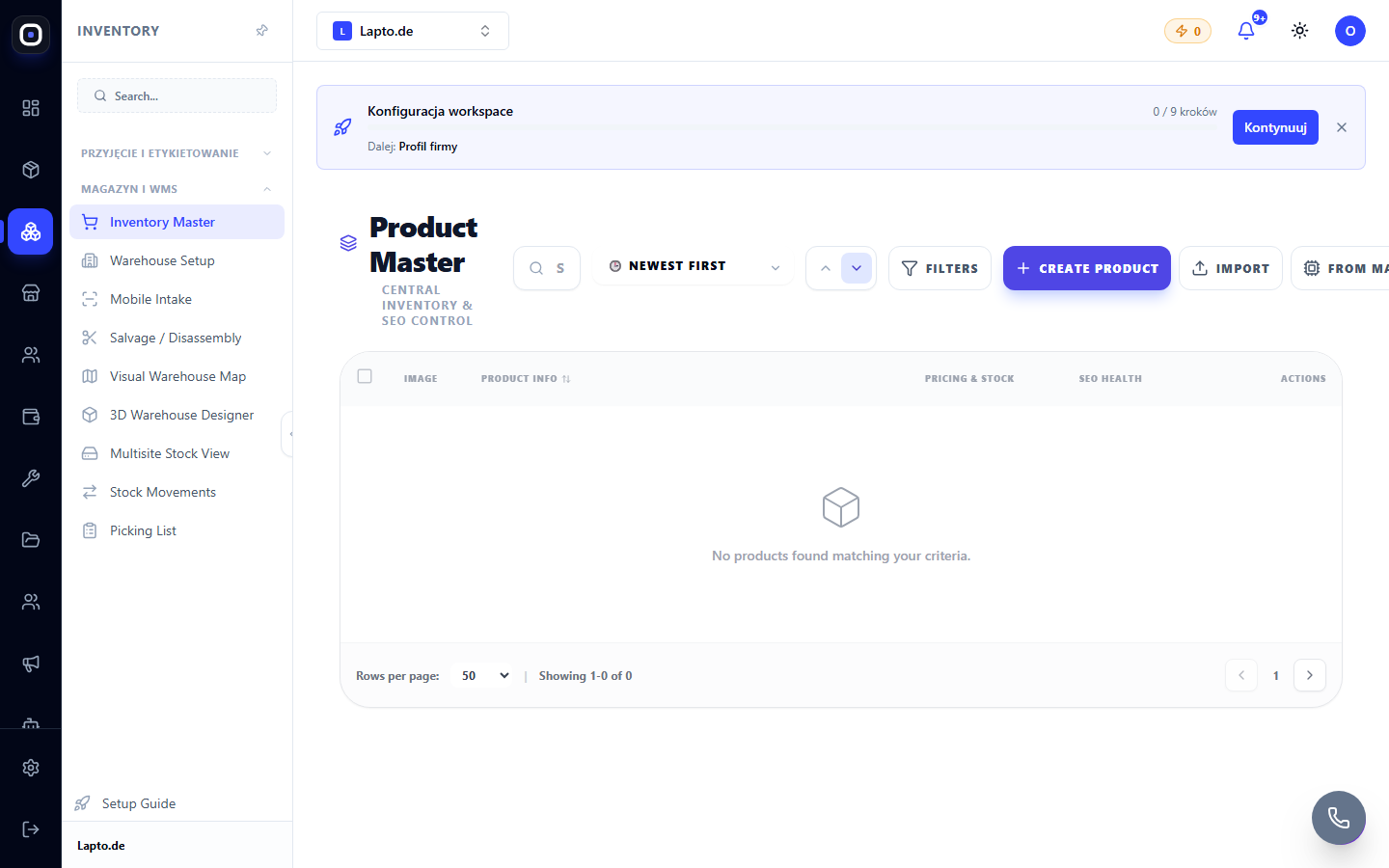
Product card (Inventory, auto parts) or Teardown (device disassembly) → click on the photo → Edit.
Features
- Crop — select the desired area of the photo and apply;
- Rotate by 90°;
- Brightness and contrast — sliders for quick lighting adjustment;
- Draw — circle or underline with a freehand line (useful for highlighting defects or damage);
- Text — a short caption over the photo (e.g., serial number or condition mark).
When to use a full-featured editor
This is not Poster Studio — there are no AI features, filters, or templates here. For more complex processing (background removal, new background generation, branded frames for marketplaces), open the photo in Poster Studio or use eBay photo templates for bulk processing.