Payments & Revenue
An overview of all incoming payments: online payments, transaction statuses, and revenue reconciliation.
The Payments page collects all workspace monetary inflows into a single feed.
Where to find it
Finance module → Payments & Revenue (path …/erp/payments).
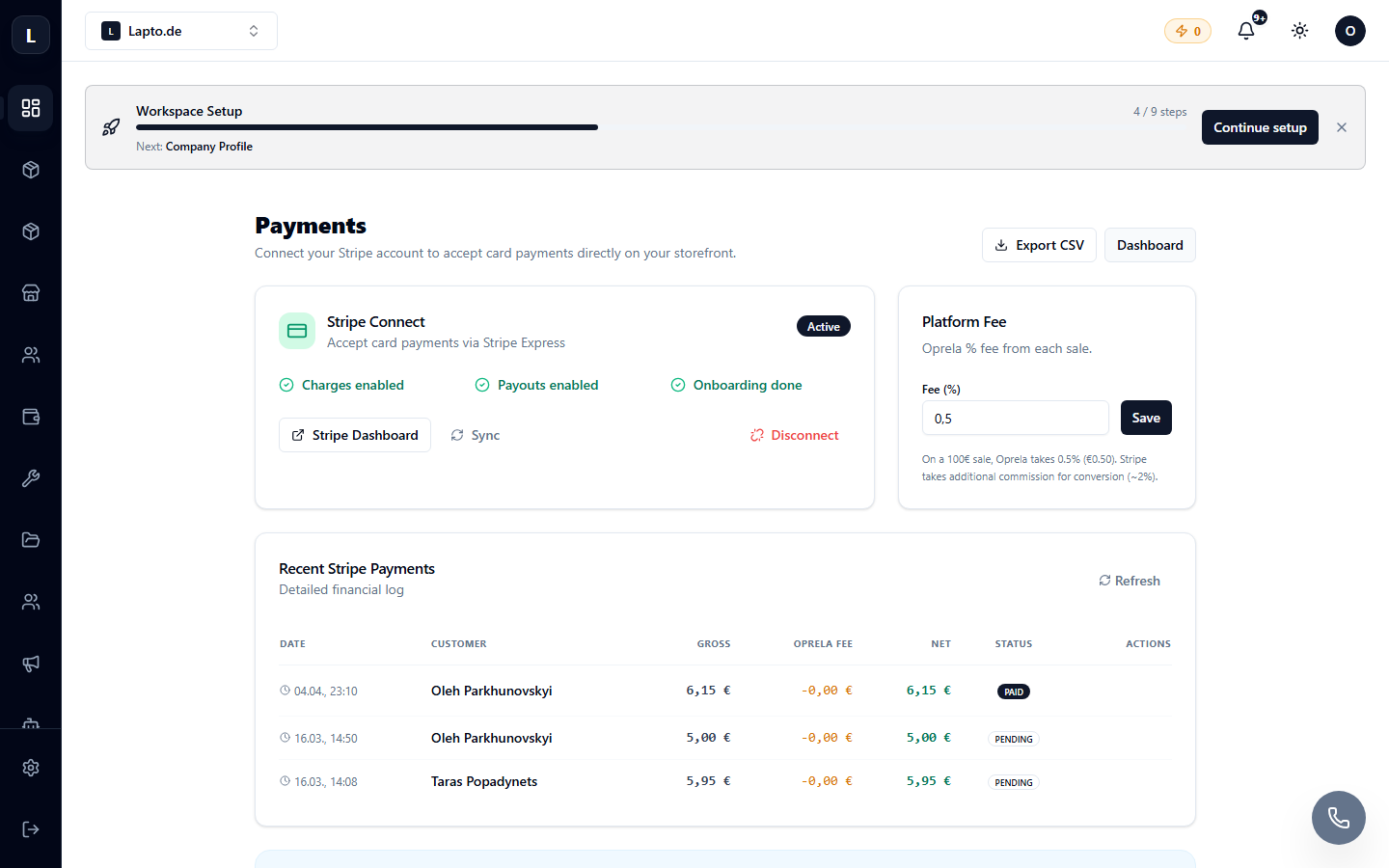
What you see here
- Transactions — each payment with its date, amount, method, and status (successful, pending, refunded);
- Link to order — clicking on a transaction leads to the corresponding order;
- Period summaries — daily/weekly/monthly revenue.
Payment sources
- Online card payments via Stripe — see Accepting Stripe Payments;
- Cash on delivery and bank transfers, which the operator manually marks in the order.
Refunds
For Stripe payments, a refund can be initiated from the order card or from here; the transaction status will change to Refunded. The associated return request is in Returns & RMA.