Connecting Meta (Facebook/Instagram) Channels
Authorize Facebook and Instagram pages for automatic content publishing.
To automatically publish content from the Content Studio to social networks, connect your Meta channels.
Where to find
Content Studio → Channels (…/content-studio/channels).
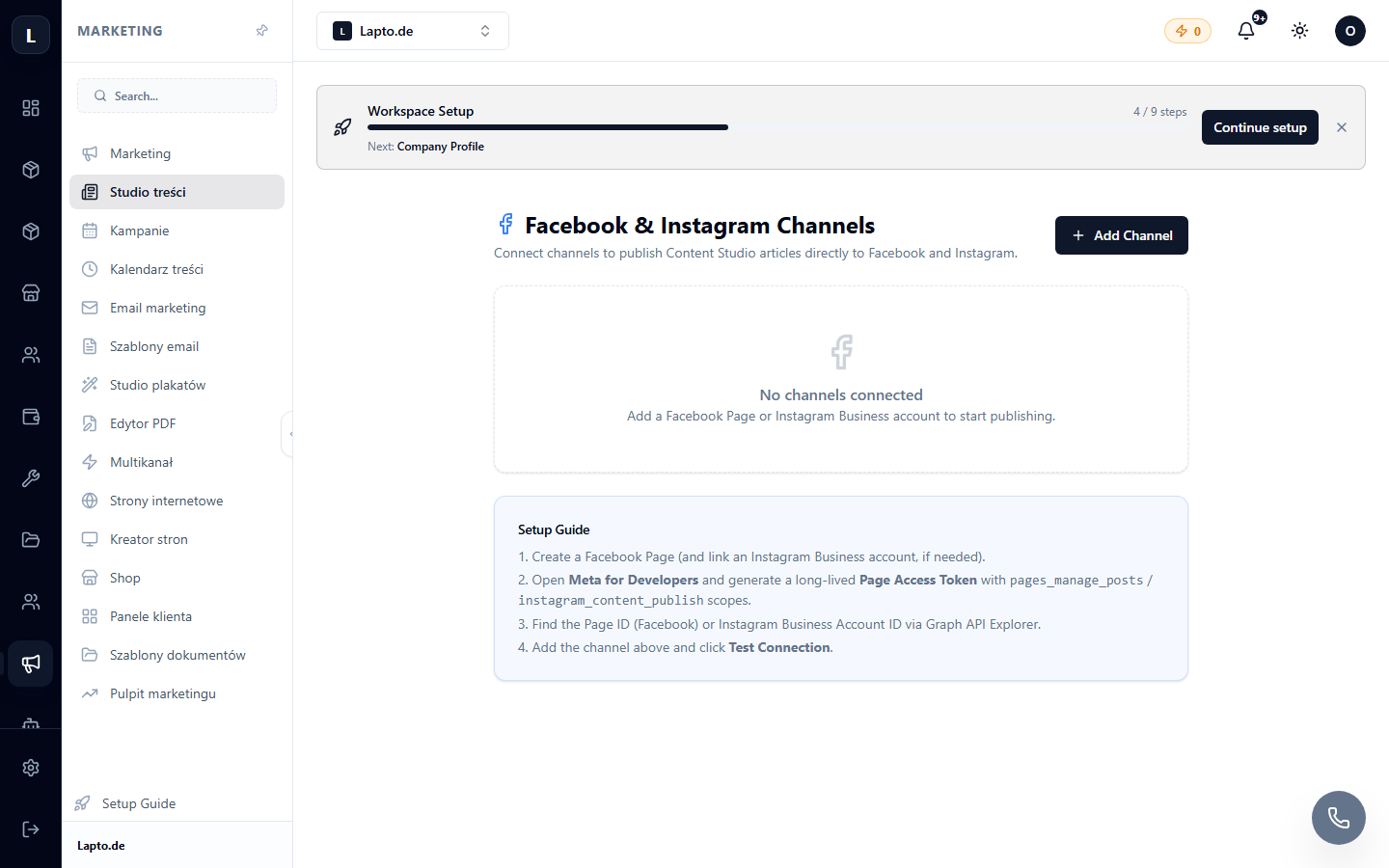
Connection
- Click Connect Facebook — log in and grant access to the pages you manage.
- Select a Facebook page and a linked Instagram account (it must be a business account linked to the page).
- Done — when publishing/scheduling a post, select the channels by checking the boxes.
Common Questions
Instagram does not appear. Make sure the account is switched to Business/Creator and linked to a Facebook page in Meta settings.
Token expired. Meta periodically requires re-authorization — simply reconnect the channel.