Receiving Goods into the Warehouse
Processing a delivery: registering incoming goods, printing labels, and placing them in locations.
The receiving page records every delivery: what arrived, from whom, and where it was placed.
Where to find it
Products & Inventory module → Incoming Goods (…/erp/incoming-goods).
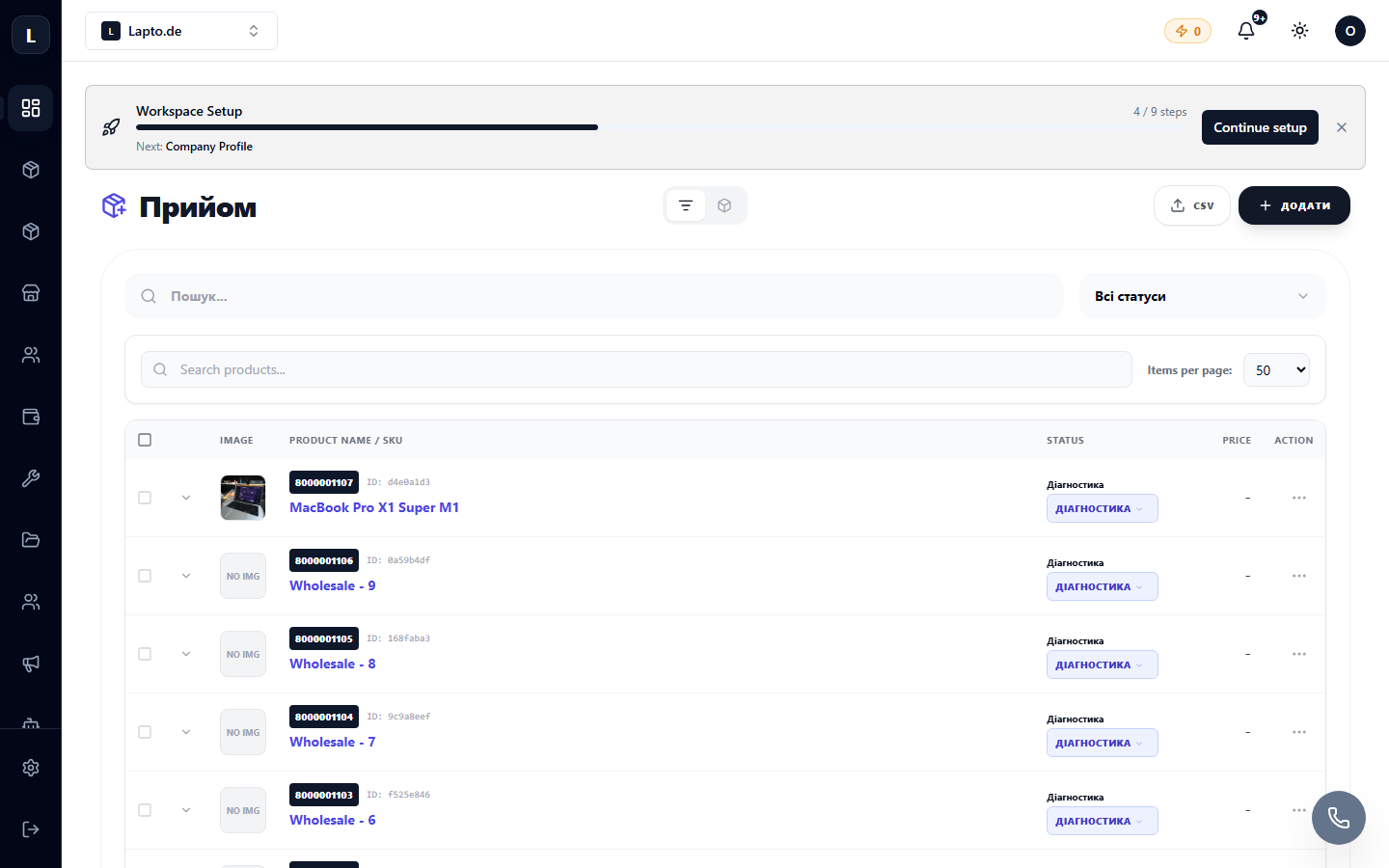
Receiving Process
- Create a receipt — specify the supplier and the delivery document.
- Add items — select existing items from the catalog or create new ones directly here.
- Quantity and locations — how many arrived and into which bin they are placed (Warehouse Setup).
- Labels — print barcodes for the received units (Label Designer).
- Confirm — stock levels will be updated, and movements will be recorded in movements.
Receiving with a Scanner
If you have a barcode scanner, use the label scanner — receiving is much faster: scan → quantity → next.
Mobile Receiving
For "cross-docking" receiving without a computer, there is mobile receiving — it works from a phone.