Shop Categories & SEO
Catalog structure for customers and search engine optimization for categories.
Categories serve as catalog navigation for customers and, at the same time, as landing pages for Google.
Where to find it
Storefront module → Shop Categories & SEO (…/erp/storefront-settings).
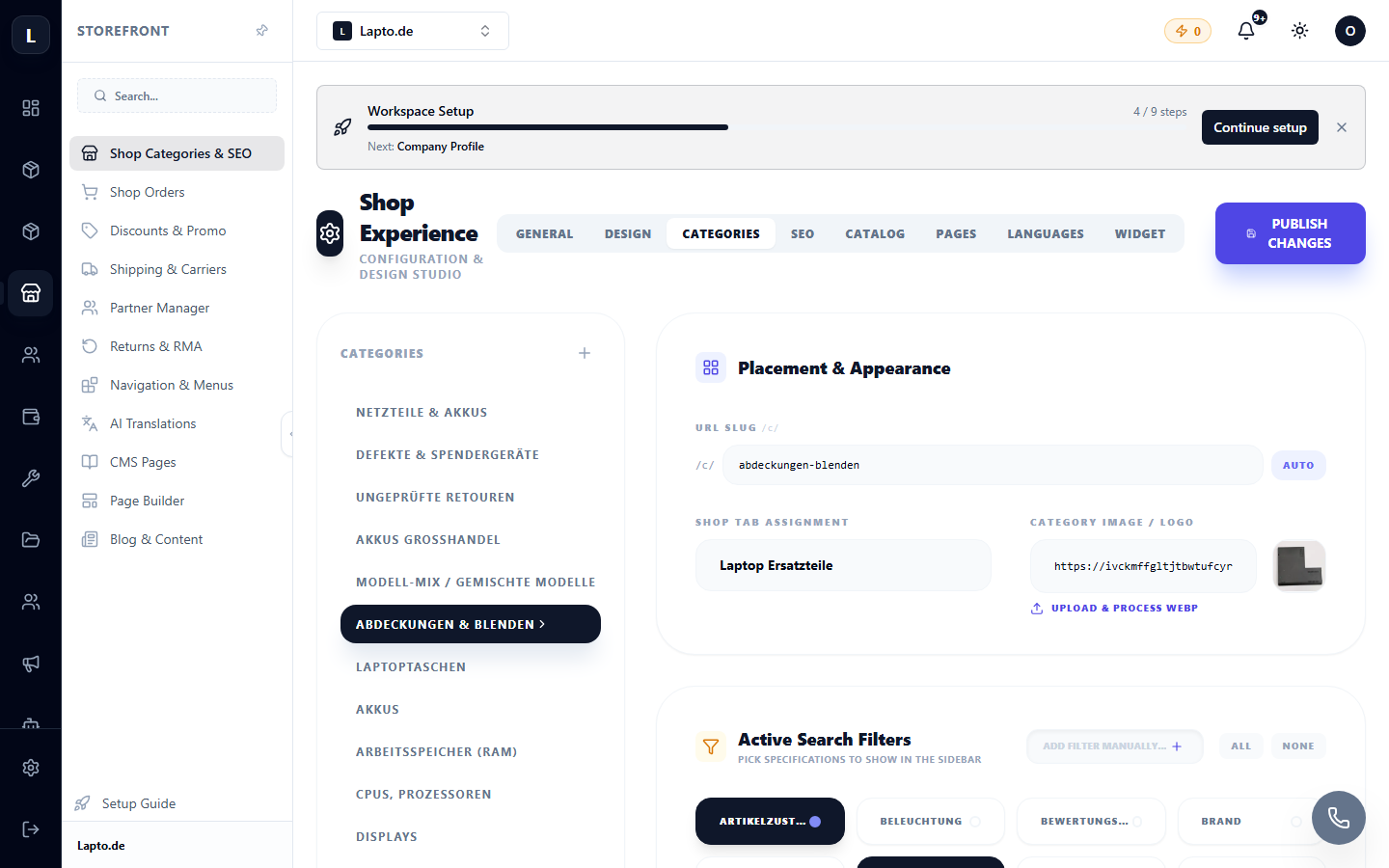
Categories
- Create a category tree (nested categories are possible: "Laptops → Gaming").
- Link products — either in the product card or in bulk in the catalog.
- The order of categories in the shop menu is set by dragging and dropping.
SEO for each category
- Meta title and description — what Google sees;
- URL (slug) — a short address for the category;
- category description — text above/below the product list.
General shop SEO settings
Site title, default meta description, image for social networks (OG image). Language versions of descriptions — via AI translations.
Read next
- Navigation & Menu
- CMS Pages
- Blog — content that drives traffic