User Profile
Your personal settings: name, avatar, password, and language.
Your personal profile contains your user data (as opposed to workspace settings, which are shared by the team).
Where to find it
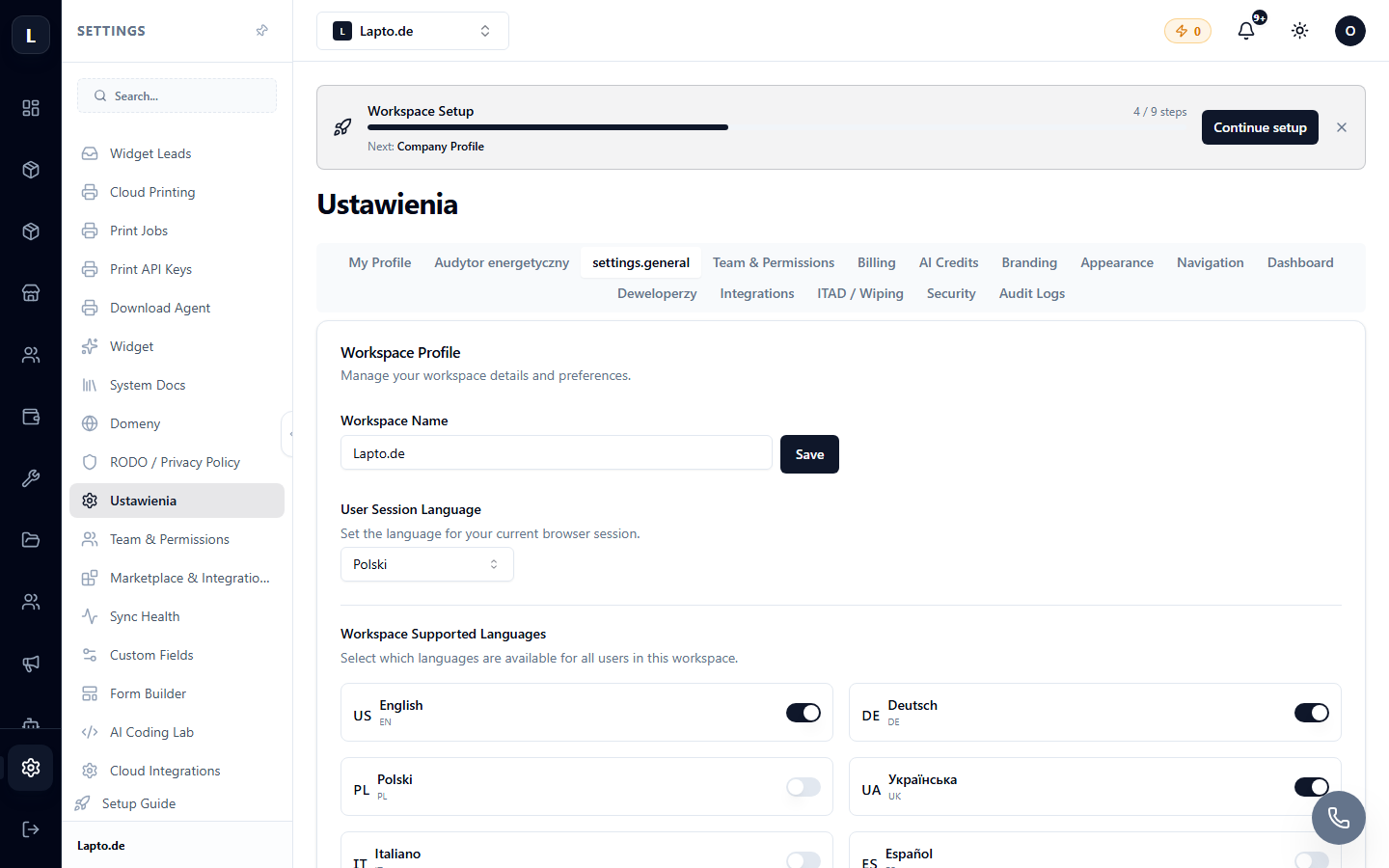
Click on your avatar at the top → Profile (or Settings → Profile).
What can be configured
- Name and avatar — these are visible to your colleagues in chats and logs;
- password change;
- interface language for you personally;
- two-factor authentication.