Poster Studio: AI Tools
Background generation from description, background removal, quality upscale, lasso editing, and AI designer chat.
Poster Studio can do more than just manually arrange layers – under the hood, several AI models do the heavy lifting for your images. All AI actions consume workspace credits.
Background Generation from Text Description
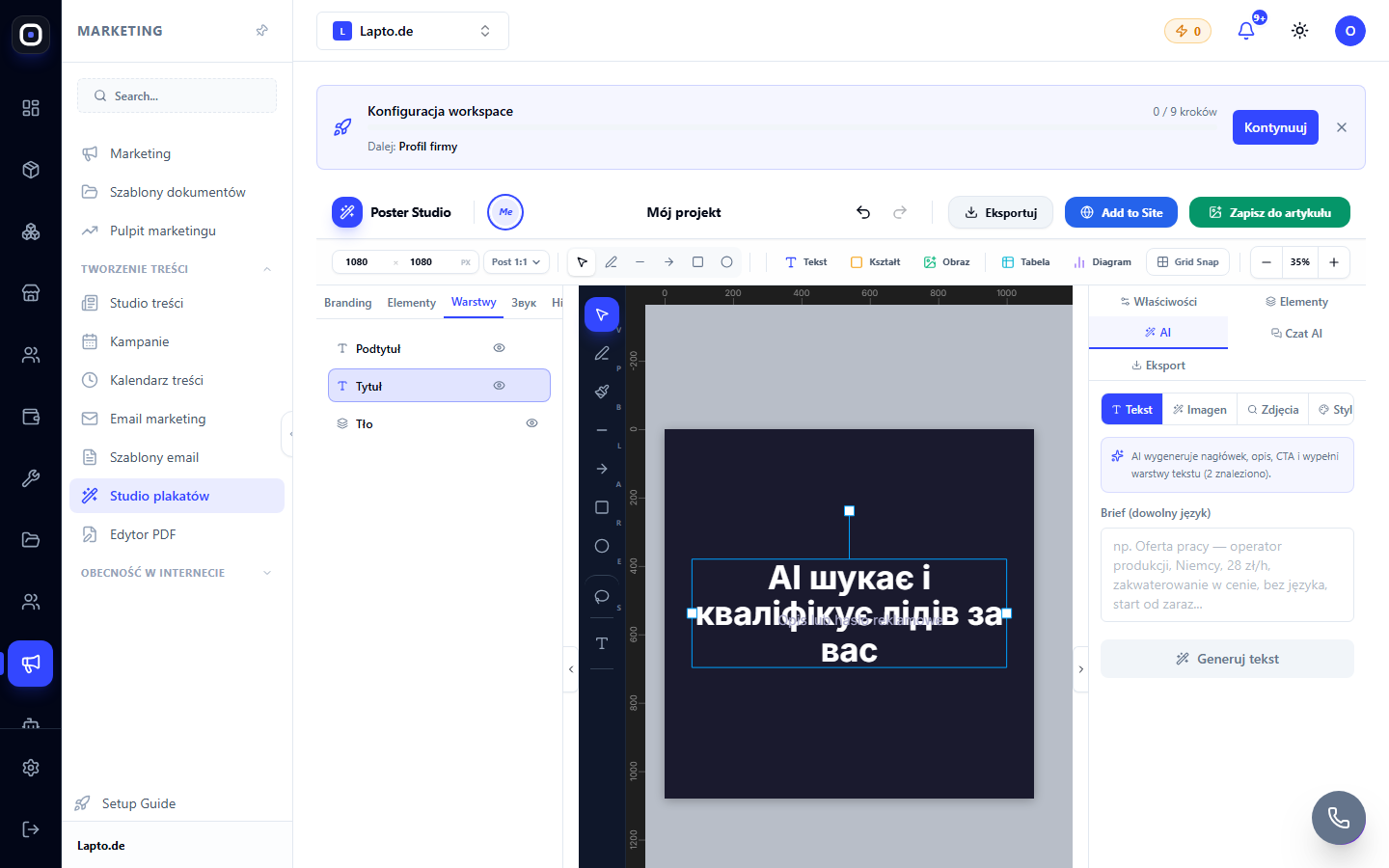
In the AI Generator panel, describe what you want to see in the background ("minimalist office, soft daylight") → the system automatically refines your request and generates an image. This is useful when you don't have a ready-made photo for the desired mood.
Stock Photo Search
In the same panel, you can search for ready-made stock photos by keyword if generation isn't needed.
Background Removal
Select an image layer → Remove Background. In a few seconds, the object will be on a transparent background – convenient for placing a product on a new background or cutting a person out of a photo.
Quality Upscale
For blurry or small photos: Enhance Quality increases resolution by 2× or 4× and removes noise – useful before printing a large banner from a small source photo.
Lasso Editing (Inpainting)
Outline an arbitrary area of the image with the lasso tool → describe in text what should be there instead ("remove wire," "add a flower pot") → the AI redraws only the selected zone, the rest of the photo remains unchanged.
Magic Expand
Expands the image canvas beyond the original frame, adding an AI-generated background – useful when the photo is smaller than the required banner format.
AI Designer Chat
Right panel "AI Chat" (Czat AI): describe in words what to change in the design ("make the title bigger and centered," "change the background color to blue") – the assistant applies changes to the layers automatically, no manual clicking needed.
AI Copywriting
Generates text directly into a layer (headline, description, call to action) based on a short brief – useful for job postings and promotional banners where text needs frequent updates.