Salon Services and Price List
The service catalog: names, duration, prices, and categories — the foundation for bookings and your website.
Where to find it
Nail Studio module → Services (…/erp/nail/services); public price list — Cennik (…/erp/nail/cennik).
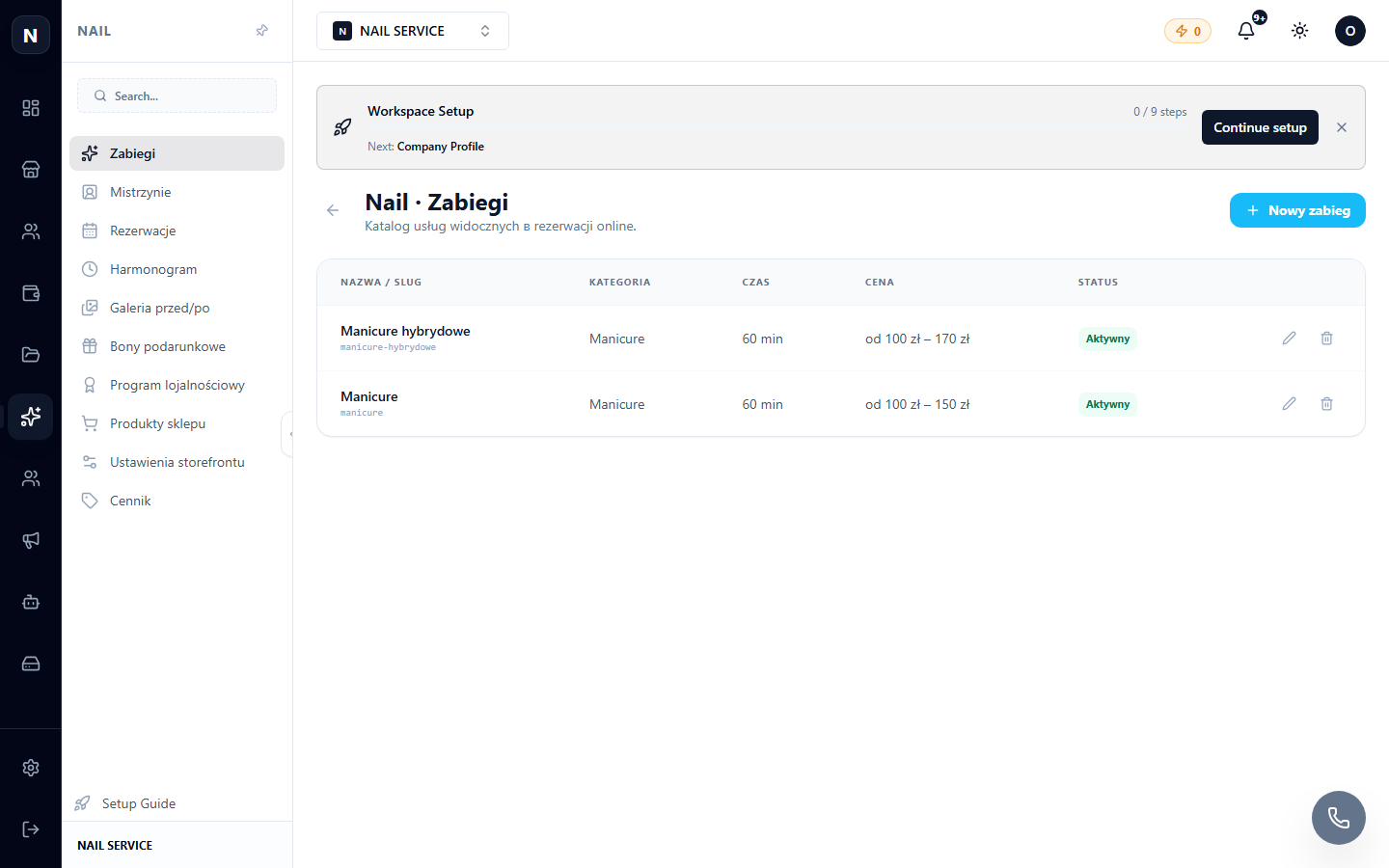
Creating a service
- Add service → name, category (manicure, pedicure, brows…).
- Duration — critical for scheduling: this exact amount of time is blocked in the calendar;
- Price (or a "from" range);
- Photo and description — for the website.
Price List (Cennik)
The Cennik page generates the public price list for your website — groups of services with prices. If you update a service, the price list updates automatically.
Tip
Link services to the masters who perform them (masters) — then, when booking, the client will only see available performers.