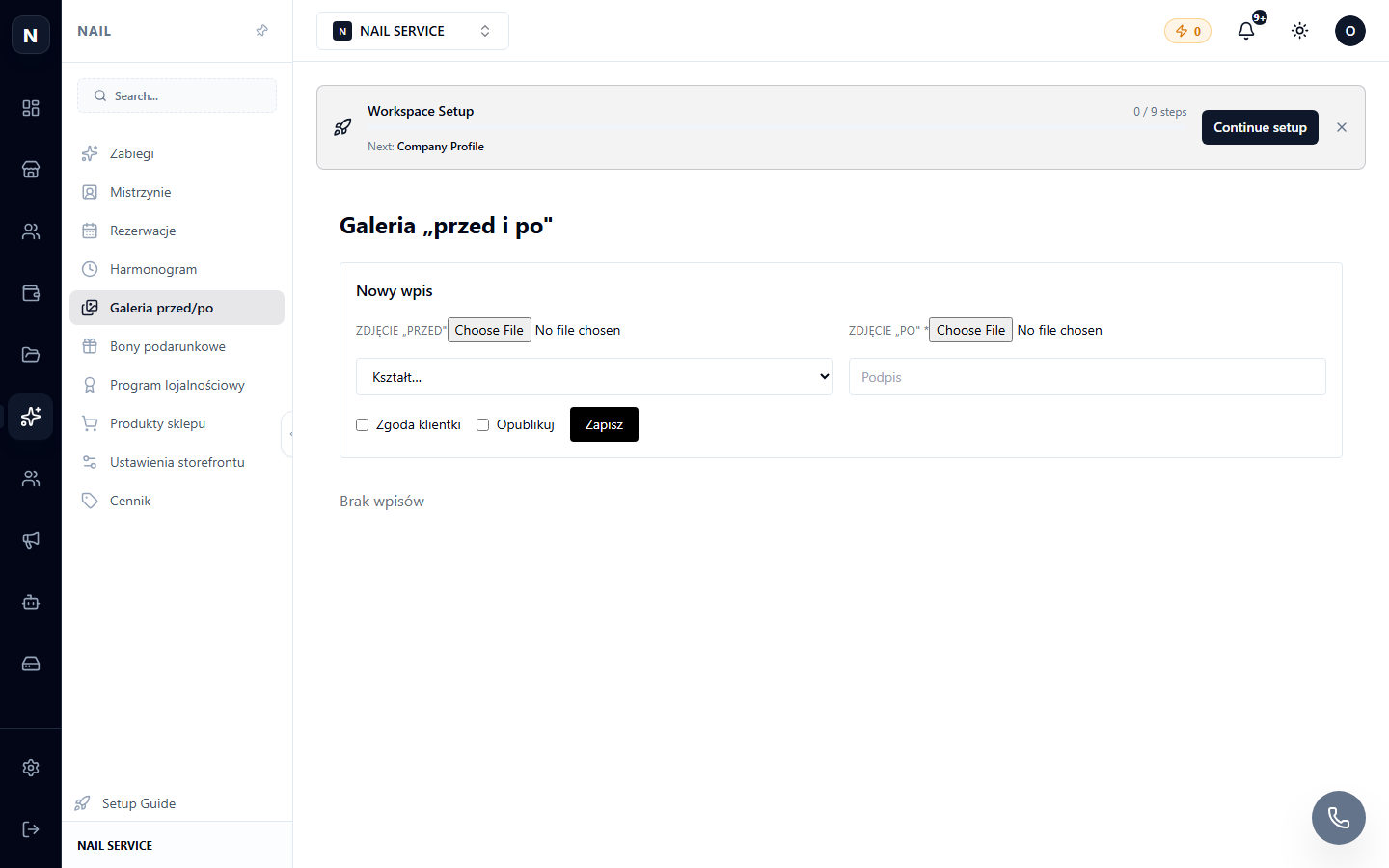
Gallery
Salon portfolio: photos of works for the website and social media.
Where to find
Nail Studio module → Gallery (…/erp/nail/gallery).
How to use
- Upload photos of works (by dragging and dropping, batch upload is supported).
- Link them to a master and a service — photos will be displayed in the corresponding sections on the website.
- Mark the best ones as favorites — they will appear on the website's homepage.
Tip
Update your gallery weekly: fresh works are the main argument for new clients. Use the same photos for posts (Content Studio).