QR Clock-ins and the HR Mobile App
Clocking in with your phone: scanning a QR code at the entrance.
An alternative to a terminal — clocking in with your phone via QR.
How it Works
- Print the location's QR code (generated in HR settings) and display it at the entrance.
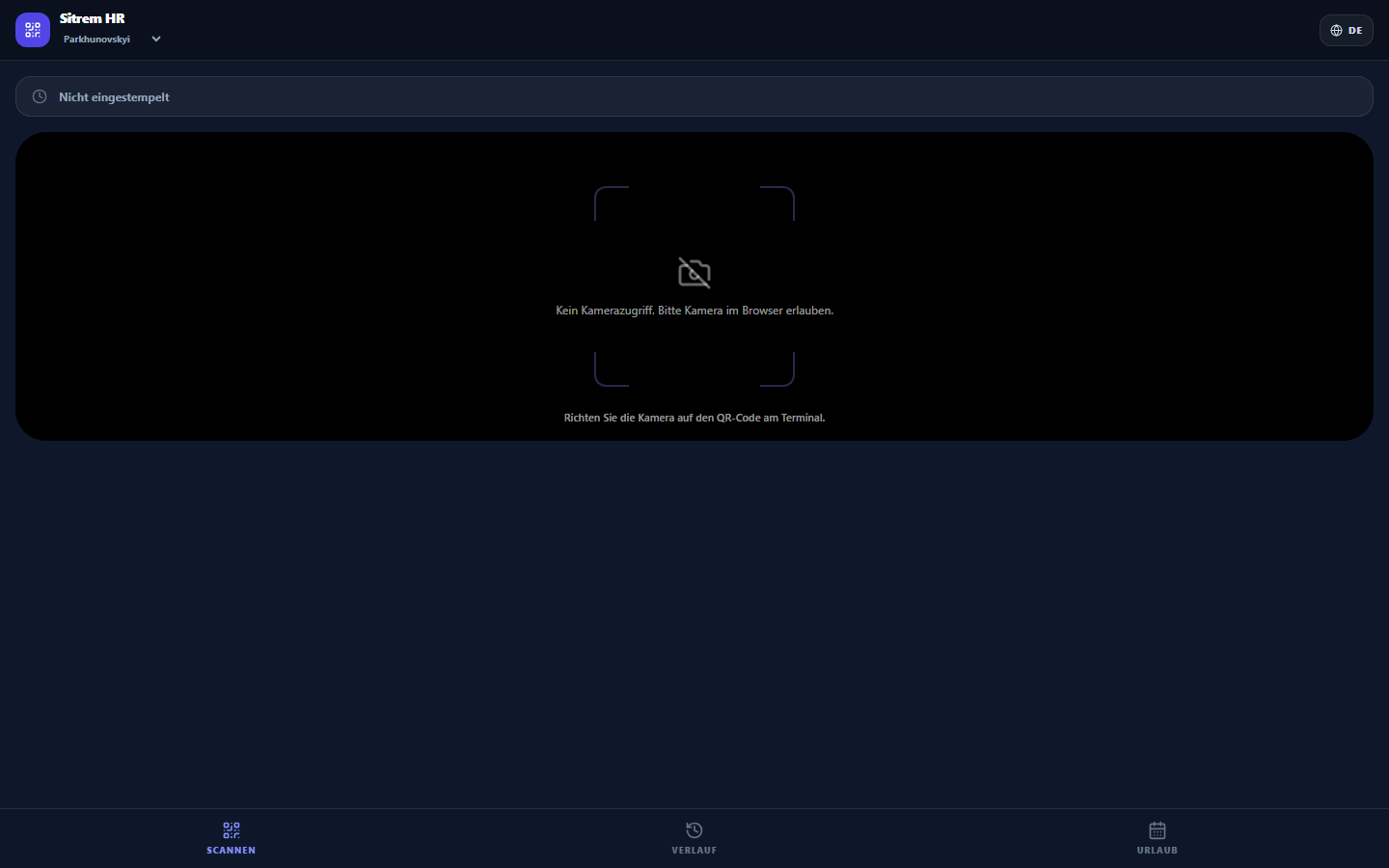
- An employee scans the code with their phone — the clock-in page (
/hr/scan) opens, and the time and location are recorded. - For frequent use, there's a mobile web version (
/hr/app) — add it to your phone's home screen; it works like an app.
Who it's For
- Field teams (clocking in at the site);
- Multiple entrances/locations without a tablet at each.
Clock-ins are recorded in the same timesheet.