Gift Cards
Sell gift cards like regular products — a code is automatically issued and can be spent on any order.
A gift card is a special type of product: the customer pays for it, and the system immediately issues a unique code with a balance that can be used to pay for a future order.
Creating a Gift Card Product
- In the product catalog, create a product and select Product Type: Gift Card.
- The product price equals the card's face value (e.g., €50).
- Publish the product — customers will be able to purchase it like any regular product.
What Happens After Purchase
Immediately after payment, a code in the format XXXX-XXXX-XXXX-XXXX is generated with a balance equal to the price. The code is sent to the purchaser's email (and the recipient's, if specified) in a confirmation email.
How a Customer Spends a Card
At the checkout, there is a Gift card field — after entering a valid code, the system shows the remaining balance. If the balance fully covers the order amount, no other payment methods are required — the order is confirmed immediately.
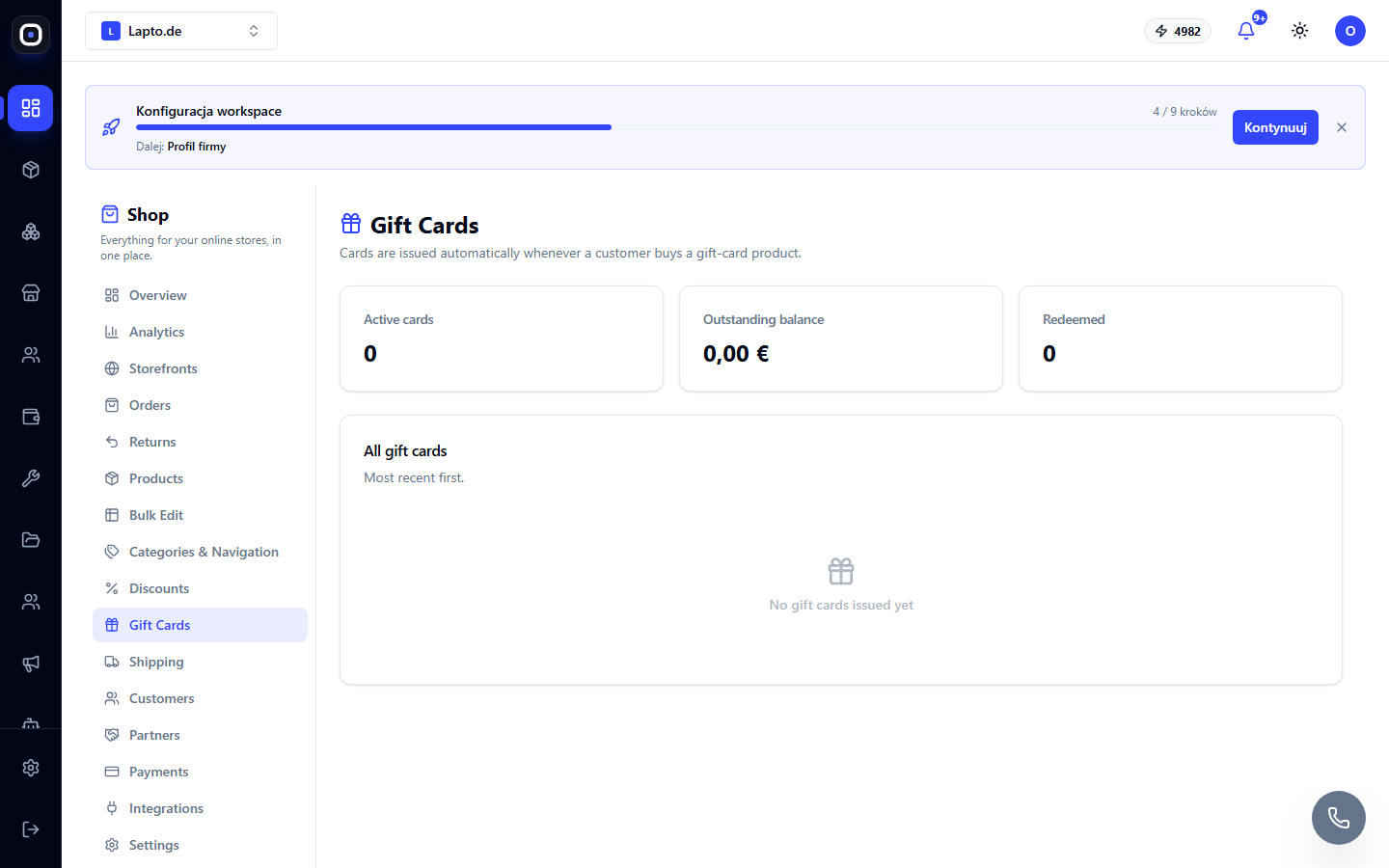
Managing Cards
The Shop → Gift Cards (…/shop/gift-cards) module displays all issued cards: code, balance, status (active/redeemed/deactivated). A card can be disabled manually — for example, if fraud is suspected.
v1 Limitations
A card with an insufficient balance to fully cover an order cannot yet be combined with card or PayPal payments — the customer will be offered to apply it to a less expensive order or choose another payment method.