eBay: Account Connection and Settings
Authorizing your eBay account in Oprela, multiple accounts, and basic integration settings.
The eBay integration works via the official API: you authorize your seller account, and Oprela gains the right to manage listings and read orders.
Where to find it
Orders & Sales module → eBay — Accounts and settings (…/erp/ebay/settings).
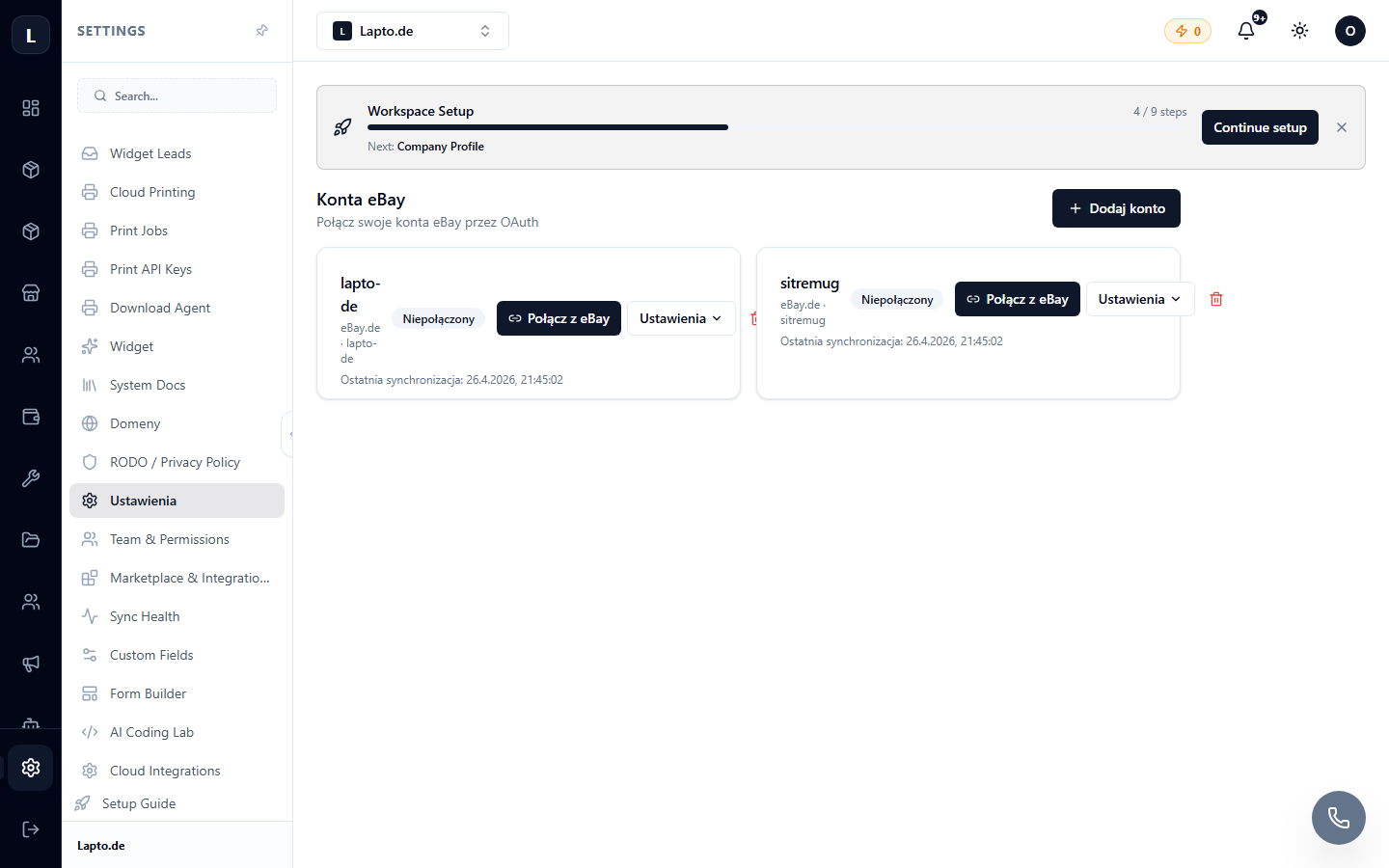
Connecting an account
- Click Connect eBay account.
- You will be redirected to the eBay login page — log in and confirm access for Oprela.
- After returning, the account will appear in the list with the status Active.
You can connect multiple accounts — each will have a separate management page (…/erp/ebay/a/{account}) with its own listings, templates, and policies.
Basic settings
- Marketplace (ebay.de, ebay.pl, ebay.com…) and currency;
- seller policies — payment, shipping, returns (pulled from eBay);
- synchronization rules — whether to update stock and prices automatically.