DPD: Connection and Label Printing
DPD integration: create shipments, print labels, and get tracking numbers directly from the order.
Integration with DPD allows you to create shipments and print labels without leaving the order card.
Where to find it
Orders & Sales module → DPD — Settings (…/erp/dpd/settings).
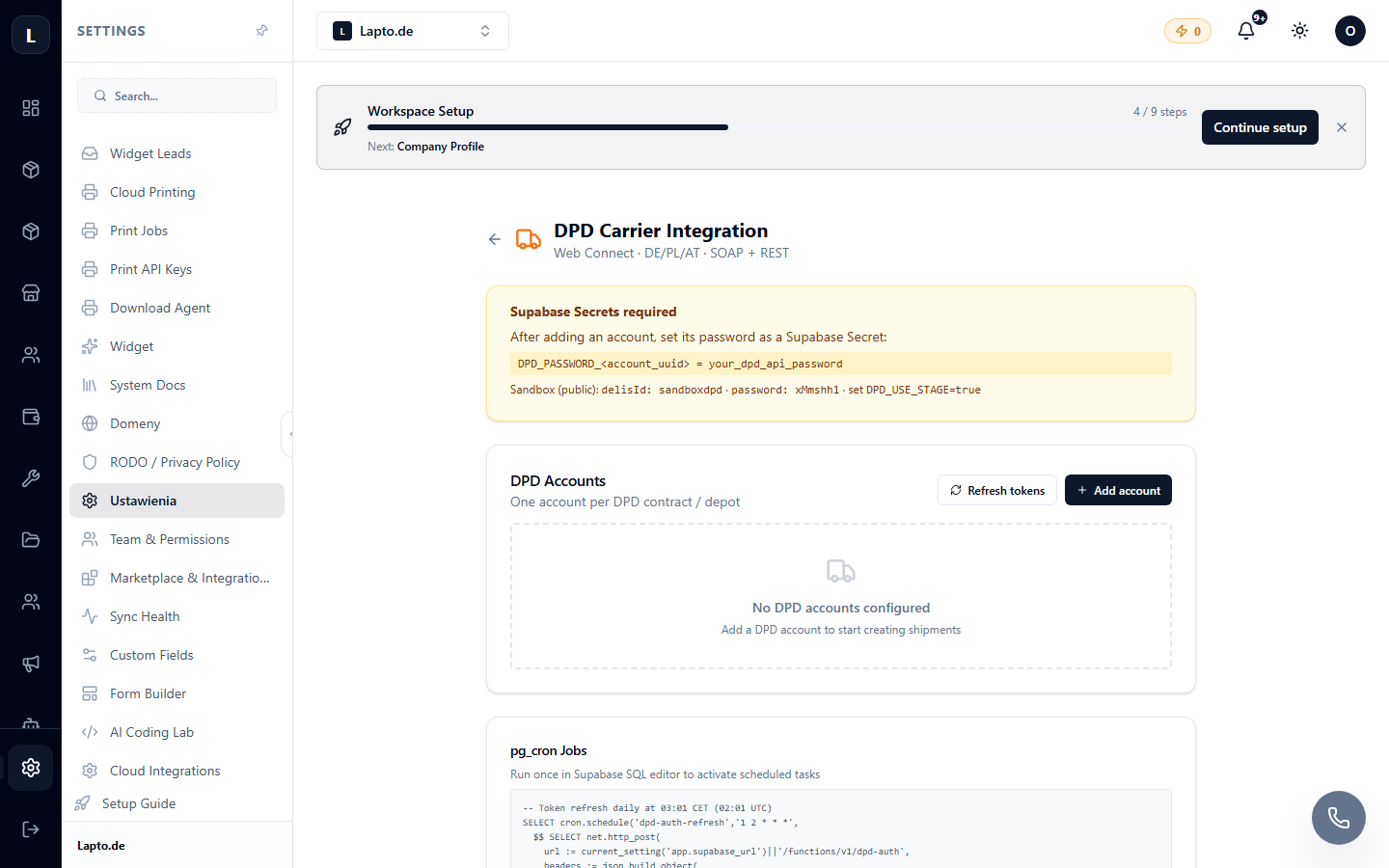
Connection
- Obtain API access data from DPD (login, password, client number — provided by your DPD manager).
- Enter them in the settings and save.
- Set default parameters: sender's address, parcel type.
Creating a shipment
- Open a paid order → Create shipment → DPD.
- Check the address and weight → confirm.
- The system will receive a tracking number and a label (PDF) — print it (cloud printing can print without dialog boxes).
- The tracking number is saved in the order and can be automatically sent to the customer (message templates).