Custom Fields
Additional fields in product, customer, and order cards — tailored to your specific business needs.
Need a field that isn't in the standard card? Create your own.
Where to find
Settings → Custom Fields (…/erp/custom-fields).
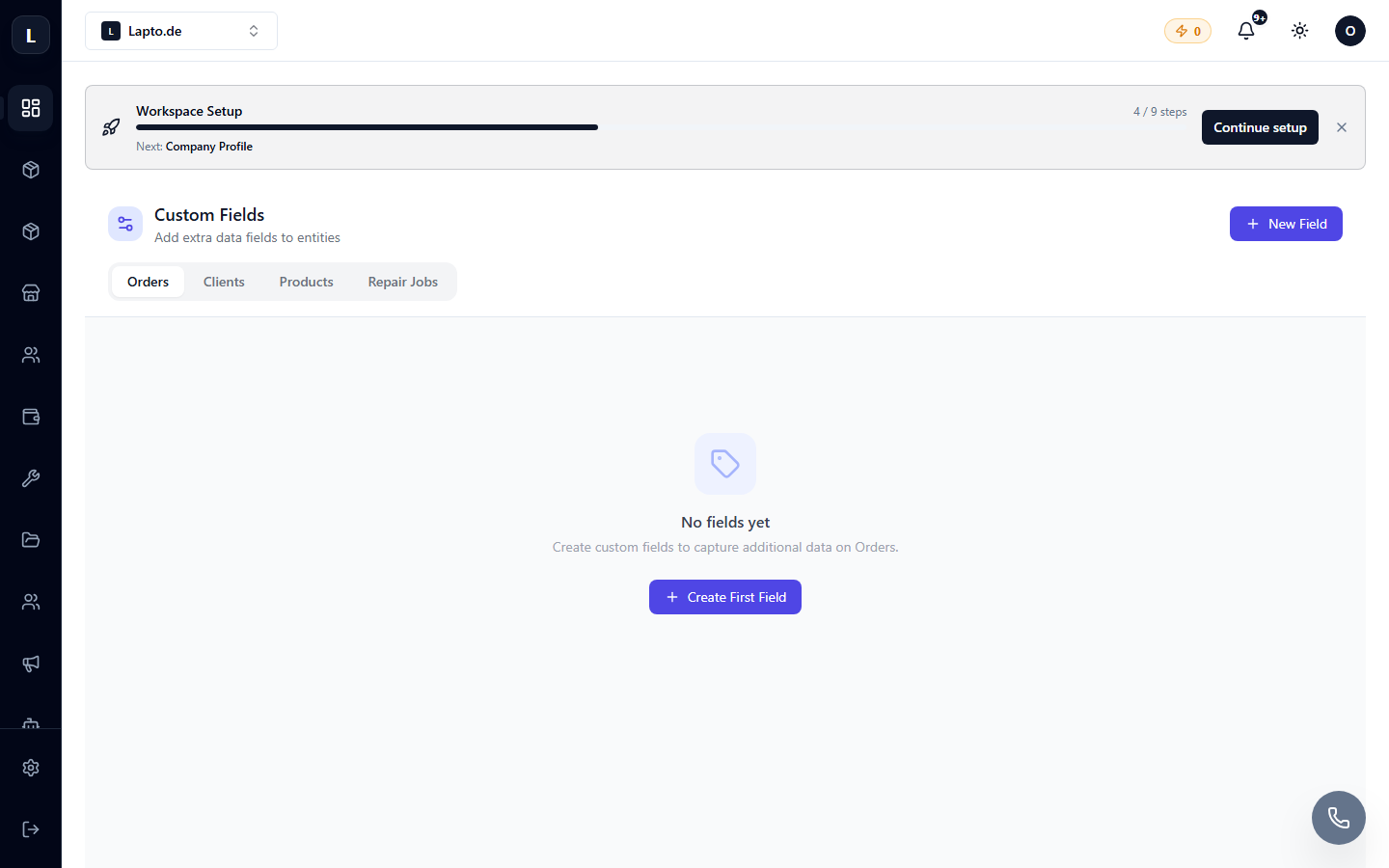
Creating a field
- Select the entity: product, customer, order, repair.
- Add field → name and type: text, number, date, dropdown list, yes/no.
- The field appears in the corresponding cards; it is filled in like a regular field.
Examples
- Product: "Battery condition, %" for used laptops;
- Customer: "Source" (how they found out about us);
- Repair: "Device password" (with restricted access).
Custom fields are available in filters, exports (Data Import/Export), and API.