Setting up a Construction Company Website
Branding and basic settings for a public website for the construction vertical.
This page configures your construction company's public website — the same screen is accessible from two menu items (building and build), depending on how your workspace navigation is set up; these are not two different pages, but one.
Where to find it
Building (or Build) module → Storefront Settings (/erp/building/storefront-settings).
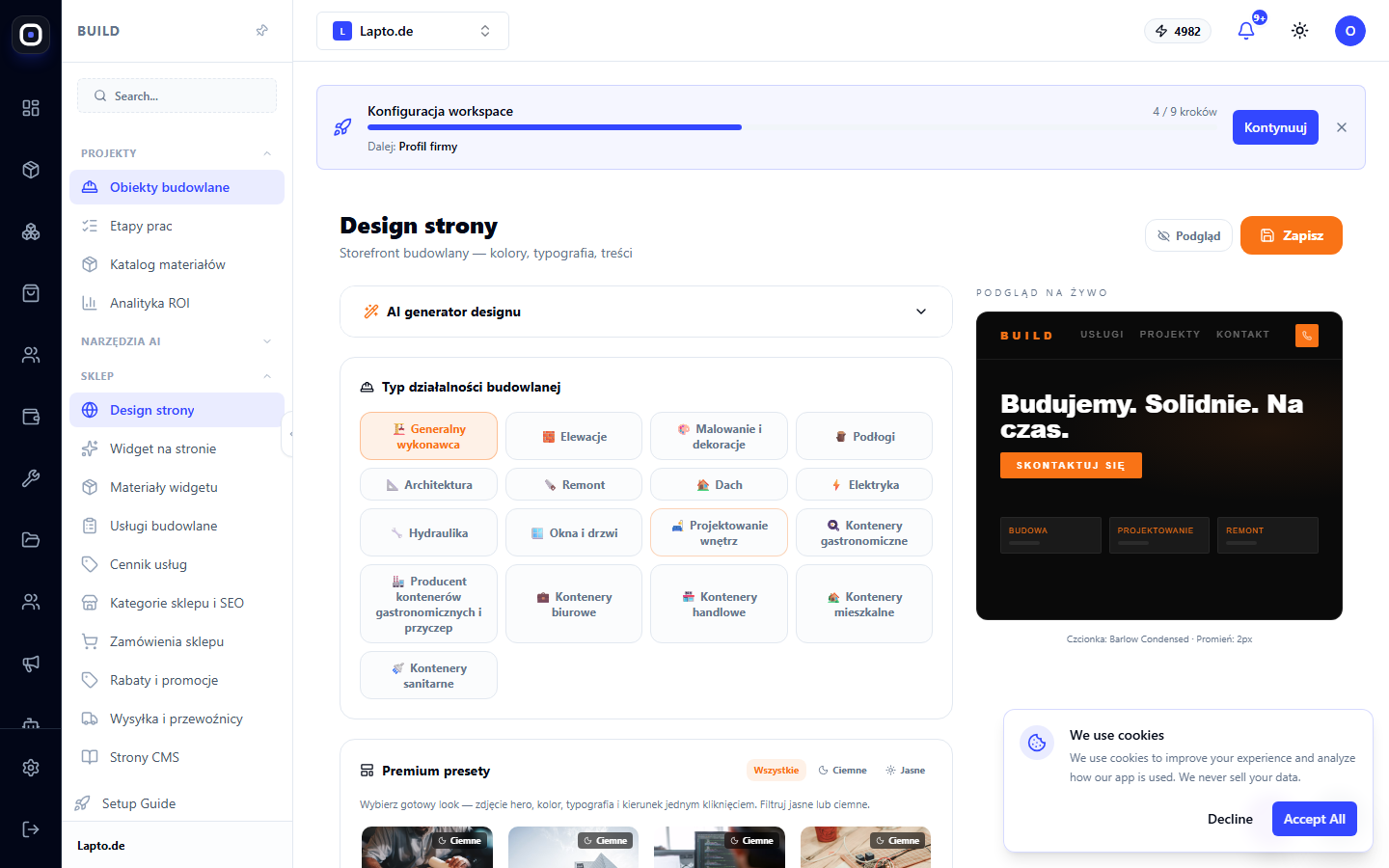
What is configured
Branding and basic parameters of the public website — logo, colors, contact details — similar to general Workspace Settings, but specifically for the public storefront of a construction company.
View the result
The "Preview" menu item opens your workspace's live public website — it's convenient to check changes immediately after saving.