Labels that match your actual products
Design a label layout once — with a barcode, price and product details pulled straight from your inventory — then print it for one item or a whole batch.
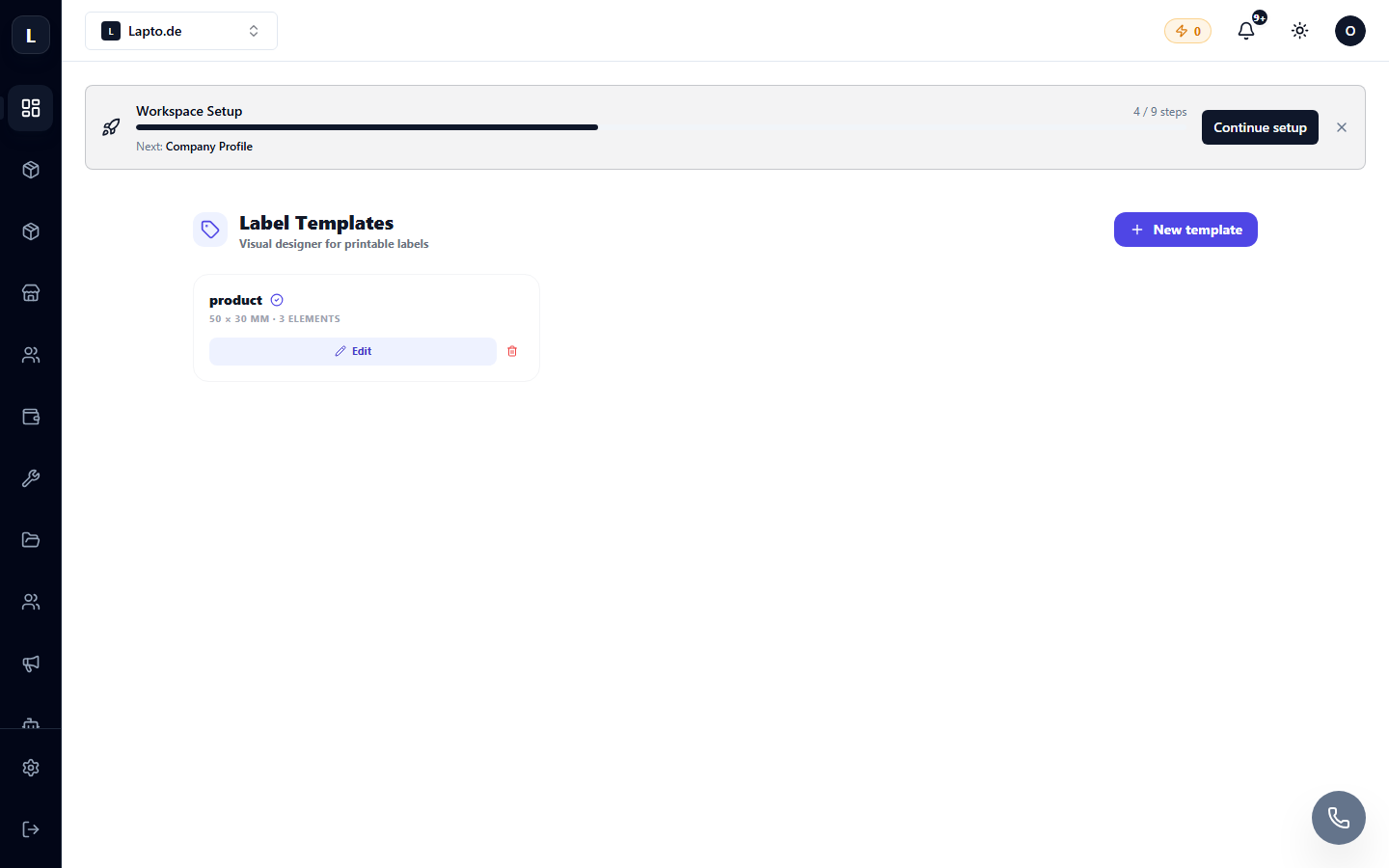
A label designer connected to your data
Not a generic template you have to retype every time.
Visual label editor
Lay out text, barcodes and your logo exactly where you want them, sized for your label stock.
Barcode generation
Barcodes generate from your actual product data — no separate barcode tool to keep in sync.
Pulls from your inventory
Product name, price and SKU come straight from Oprela — change the product once, not the label separately.
Print directly, or in bulk
Send a single label or a whole batch to print, using the same Cloud Printing your other documents use.
What people label
Real products, real shelves, real shipments.
Product labels
Price, barcode and product name, printed to match what’s actually in your catalog.
Shipping labels
Layout designed once, printed per order without redesigning anything.
Warehouse bin labels
Label shelves and bins to match the layout in your 3D warehouse designer.
Works even better together
Other Oprela modules that pair with this one — same subscription, same data.
Questions about Label Designer
Do I need separate barcode software?+
Can I print a whole batch of labels at once?+
Does it work with the printer fleet in Cloud Printing?+
Design a label that updates itself
Label Designer is included in your Oprela workspace.